BINDING ALERTS
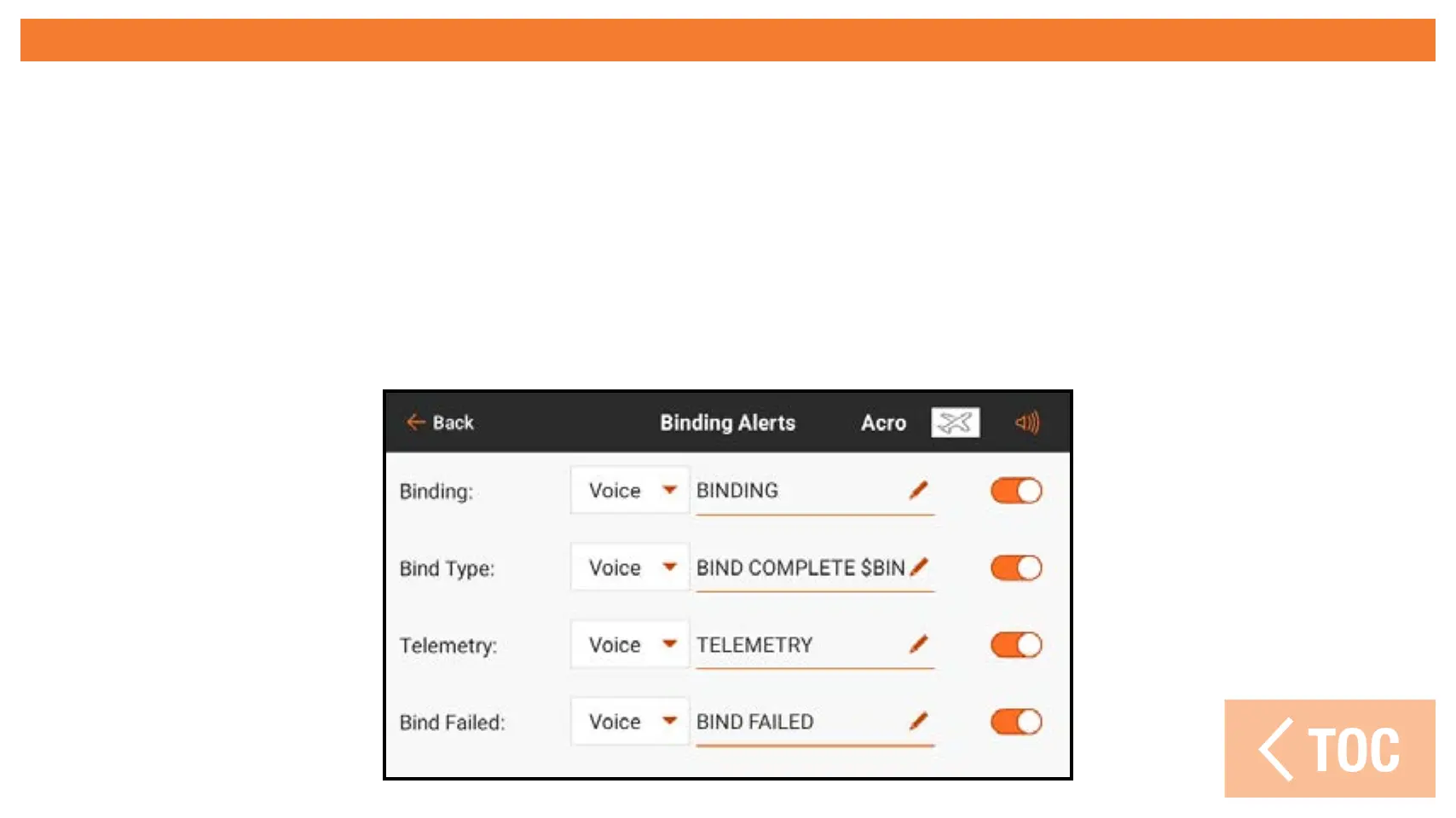
The Binding Alerts menu allows changes to the alerts given during binding.
To change the Binding Alerts:
1. Select the binding alert to be edited.
2. Change the type of alert.
3. Change the spoken text.
4. Activate/deactivate each alert by touching on the on-screen switch.



 To Next Page