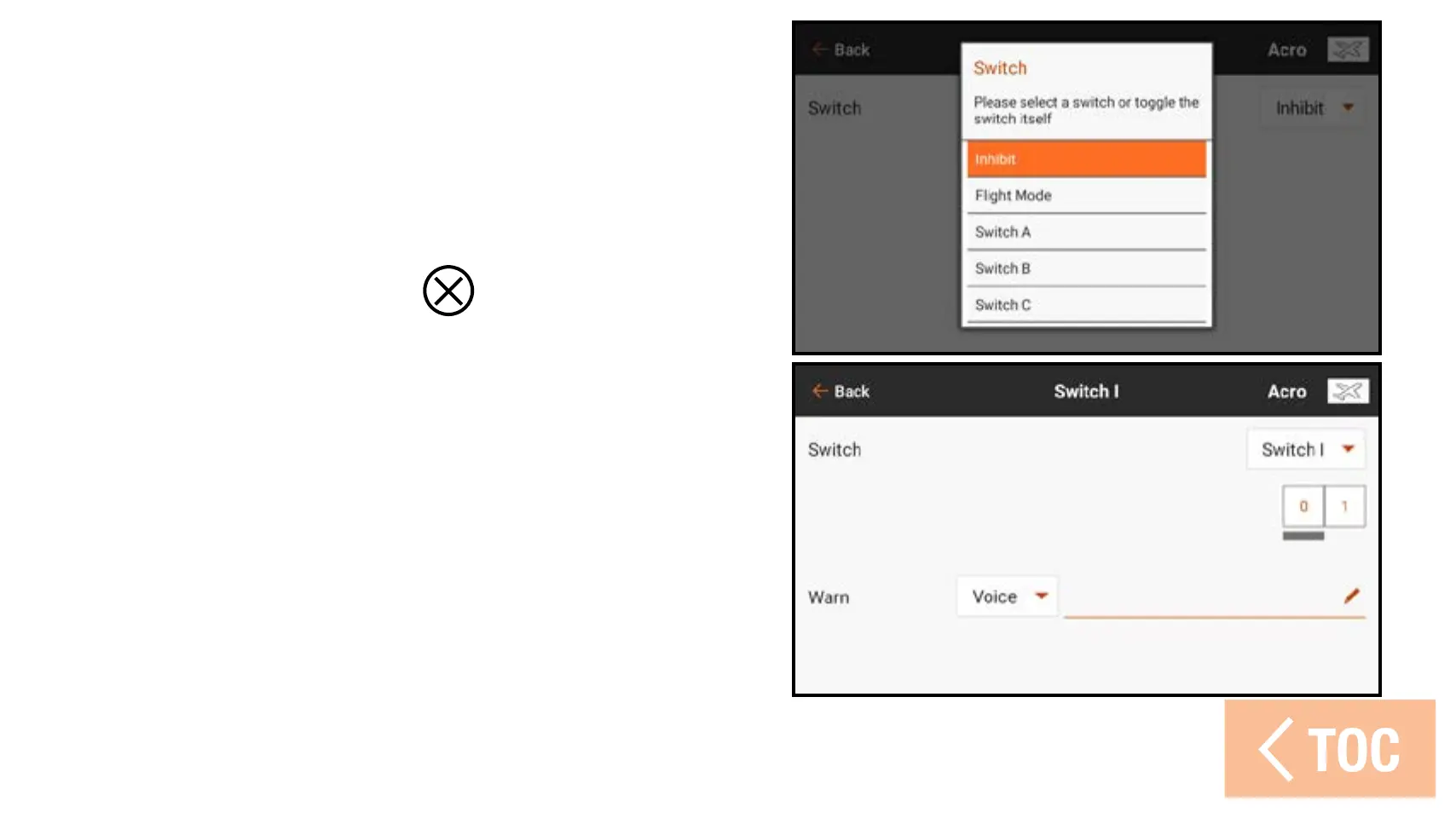
To add a switch model start warning:
1. From Model Setup, touch Model
Start Warnings.
2. Select the SWITCH trigger type.
3. Touch the + icon to add a new
warning. Touch the (
), if available,
to remove a current warning.
4. Select the Switch dropdown button to
select the desired switch.
5. Touch the switch position box to
designate which position will trigger
the warning.
6. Select the type of warning and enter
text-to-speech if Voice is selected.



 To Next Page