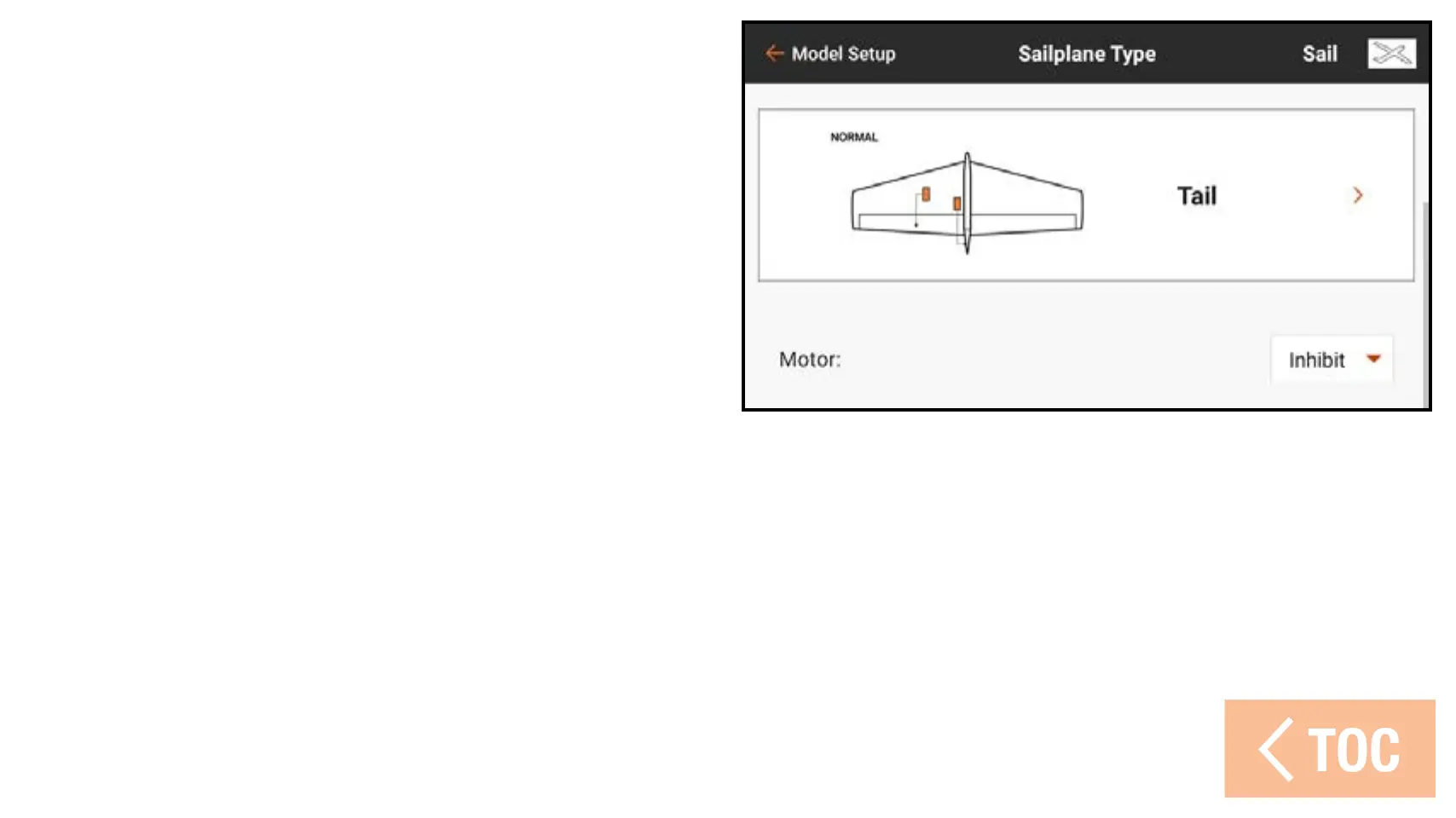
Motor
Select the Motor drop down menu button to
assign the motor function to any control stick
or switch. The Motor option in the sailplane
type defaults to Inhibit.
Four mixes are enabled in the Mixing
menu in the Model Adjust list when the
model type is set to Sailplane; Aileron >
Rudder, Aileron > Flap, Elevator > Flap
and Flap > Elevator.



 To Next Page