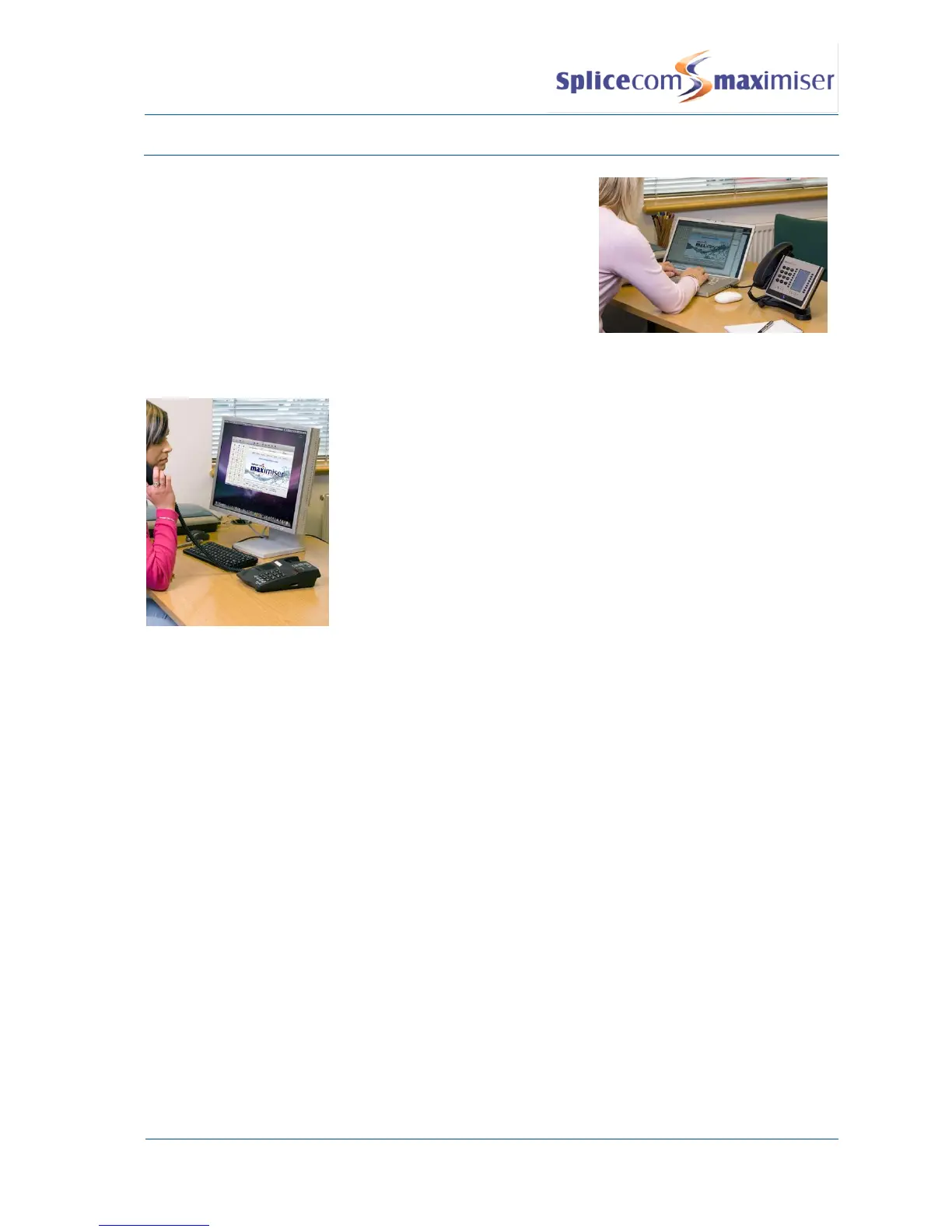
The PCS range
To further enhance maximiser's advanced capabilities SpliceCom
offer a wide range of Proactive Communication Stations (PCS), to
deliver the ultimate in desktop productivity. Designed to
complement other market leading and stylish, high-end IT
equipment on the desktop, SpliceCom's PCS 560 & PCS 570G IP
Phones combine, looks intelligence and desirability in equal
measure. The world's slimmest desktop IP Phones provide easy
access to the wide range of benefits delivered by maximiser -
SpliceCom's innovative and award-winning portfolio of IP-
PBX/Unified Communication/Business Telephony platforms. The top of the range PCS 580G is the latest
version of the world’s first “keyless” IP Phone, featuring a wide-screen, full-colour, LCD touch display, to
provide context sensitive displays, information & web based content. The
IP 530 is SpliceCom's entry-level IP Phone, designed to work with maximiser
to address everyday business telephony needs. The PCS 520 is a display
phone with pre-configured system access keys, desktop paging and
combined Do No Disturb/Message Waiting LED, with the entry-level PCS 505
completing the range.
Supplied as standard with every maximiser system, the PCS 60 and PCS 50
Phone Partner applications deliver similar benefits to the PCS 580G desktop
station for those who choose to use PCS 570, PCS 560, PCS 570G, PCS 100,
PCS 520, PCS 505 or traditional analogue telephones. The PCS 60 and PCS 50
applications can be run on Windows and Mac OS X (PCS 60), or Linux (PCS
50) desktop or laptop PCs and can also be utilised as IP Softphones.



 To Next Page