Calls History
22 PCS 552 User Manual V3.2/0312/1
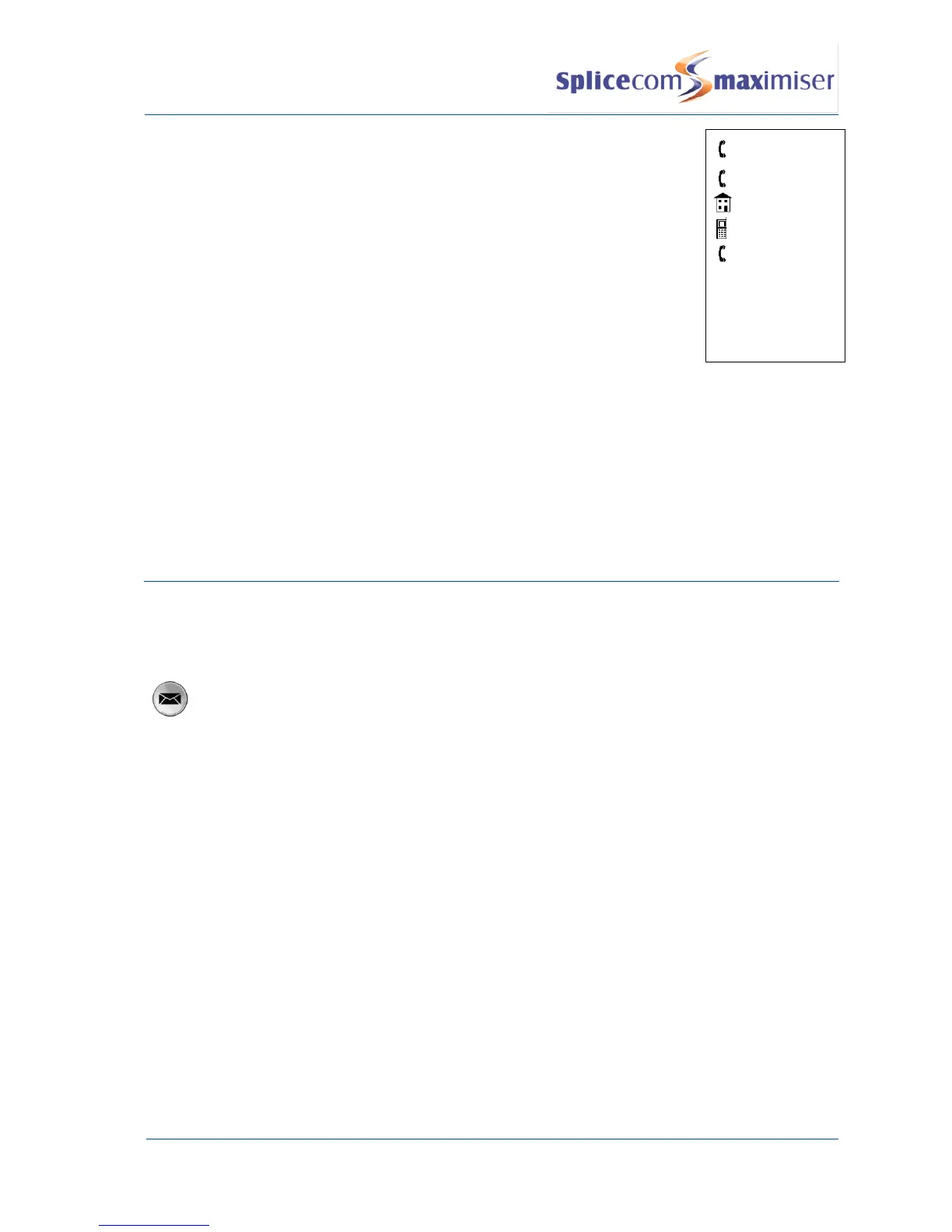
The number received with the call or the number you dialled is
displayed at the top of the list.
The extension number of the relevant User or the number stored in
the Contact’s Telephone Number field is displayed in the second
line.
If there is a number stored in the User’s or Contact’s Home
Telephone Number field this will be display against the house
symbol.
If there is a number stored in the User’s or Contact’s Mobile
Telephone Number field this will be displayed against the mobile
phone symbol.
If there are numbers stored in the User’s or Contact’s Spare 1 or
Spare 2 Telephone Number fields these will be displayed in the next
two lines against the telephone handset symbol.
078904256
2022
056895636
078904256
072328921
Press the context sensitive key beside the number you wish to dial
Press the context sensitive key beside Back to return to the call details.
Delete a call
There is no limit placed on the number of completed calls that are listed, whilst the last 10 missed calls are
also recorded with the oldest entry being deleted once this number has been exceeded. You can also
manually delete an entry if required.
Press the Messages button
From the Calls History press the context sensitive key beside the call required.
Press the context sensitive key beside Delete
You will be asked if you are sure that you wish to delete this call
Select the context sensitive key beside Yes. (If you select No you will be returned to the call
details.) The call will be removed from the Calls History. The next call in your list will be
displayed.



 To Next Page