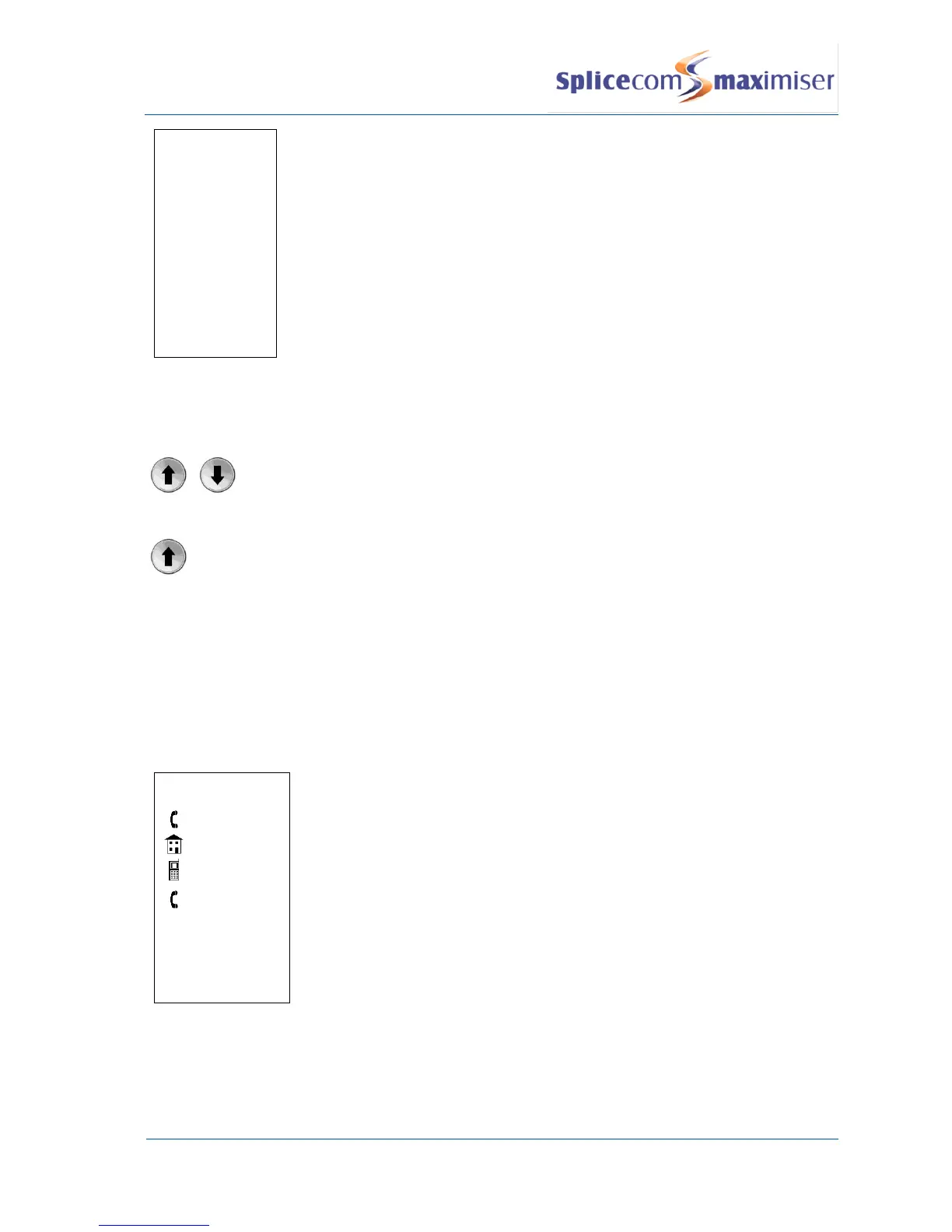
The extension number of the relevant User or the number stored in the
Contact’s Telephone Number field is displayed in the top line.
If there is a number stored in the User’s or Contact’s Home Telephone Number
field this will be display against the house symbol.
If there is a number stored in the User’s or Contact’s Mobile Telephone Number
field this will be displayed against the mobile phone symbol.
If there are numbers stored in the User’s or Contact’s Spare 1 or Spare 2
Telephone Number fields these will be displayed in the next two lines against
the telephone handset symbol.
If you wish to leave your colleague a message press the context sensitive key
beside Voicemail. This option will only be available if voicemail has been
enabled for this User. Please refer to the Voicemail section from page 45 for
further details.



 To Next Page