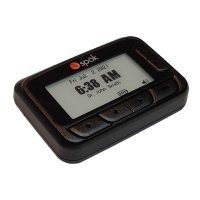
GenA User Guide
Spok, Inc. – Copyright 2022 P a g e | 10 v01/22
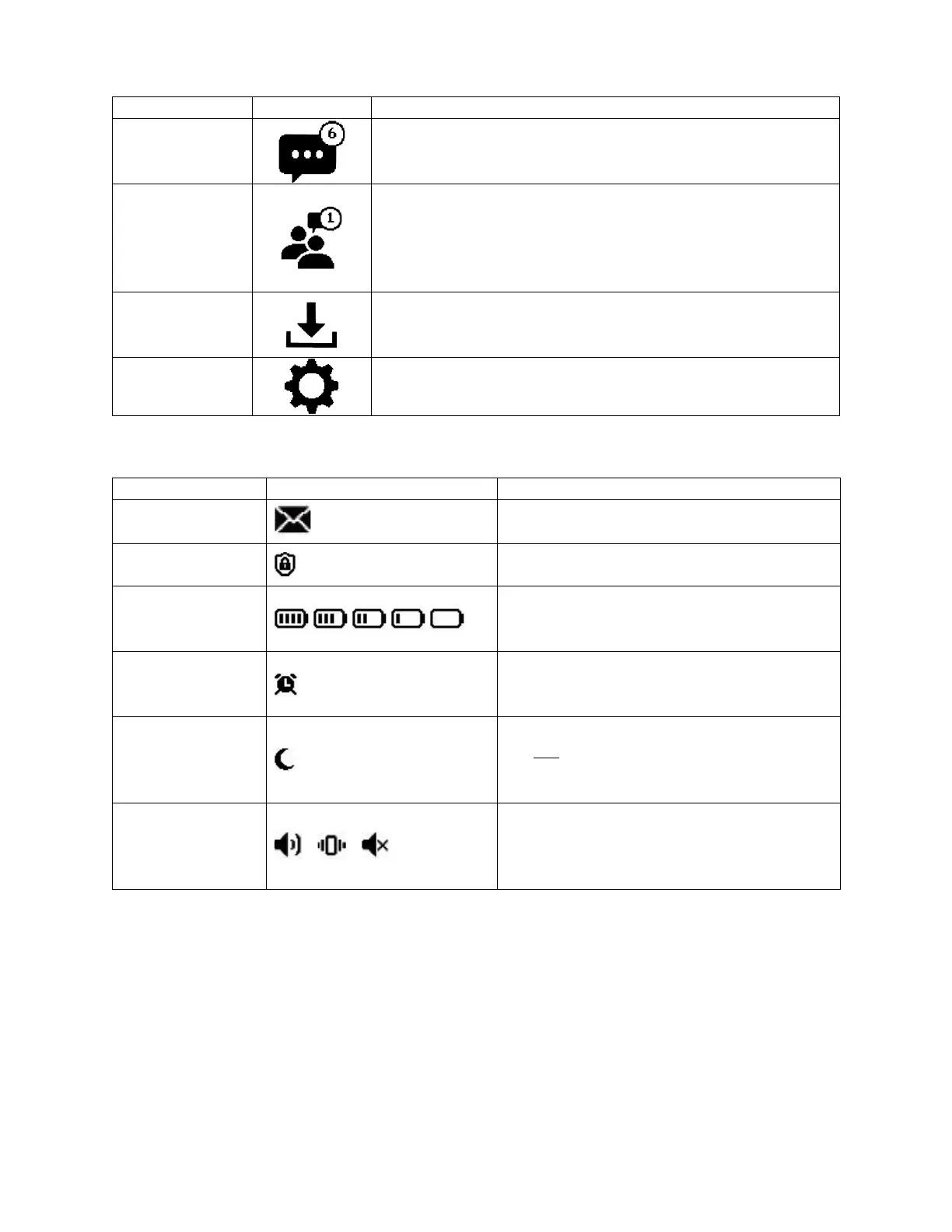
Main Screen Folders
• Personal messages appear in this folder
• An upper right-side number will appear on the icon to show
the number of unread messages in the folder
• Group messages appear in this folder
• An upper right-side number will appear on the icon to show
the number of unread messages in the folder
• The folder is not visible if group address sub-folders aren’t
programmed in the pager
• Any saved messages appear in the Saved folder
• Messages are sorted in the order they were saved
• Device settings can be viewed and updated within the
Settings folder
• Appears when a new message is received
in either the Inbox or Groups folder
• Displays when all programmed pager
addresses are encrypted
• Shows the current battery level
• A low battery popup will also appear when
the battery needs to be replaced
• Appears when an alarm is enabled
• The alarm is set up and activated from the
Settings folder
• Appears when Do Not Disturb is enabled
and currently active
• The Do Not Disturb feature is set up and
enabled from the Settings folder
• Shows the current alert setting. Audible,
vibrate or off
• The alert settings are set up from the
Settings folder


 To Next Page