GenA User Guide
Spok, Inc. – Copyright 2022 P a g e | 17 v01/22
Messages List Popup
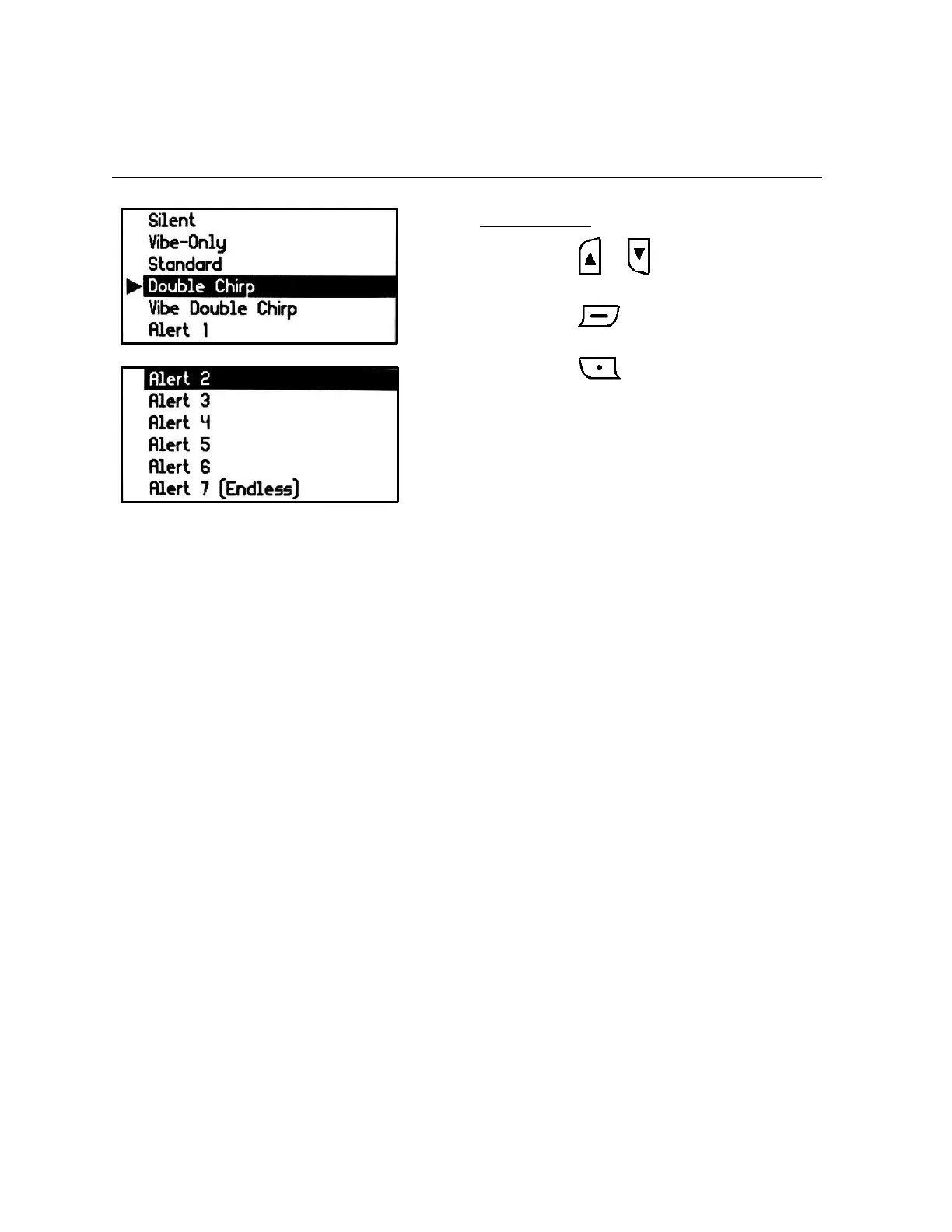
When the Enter button is pressed for 2 seconds on a highlighted sub-folder, an Set Alert screen appears
and shows the available alert selections for that sub-folder.
Set Alert Screen
• Press the or button to select the
desired alert type.
• Press the button to set the new
alert type.
• Press the button to cancel the alert
selection and exit back to the sub-folder list
screen.
• The standard alert and Alerts 1-6 will alert
for 15 seconds
• Alert 7 will alert continuously until a button
is pressed


 To Next Page