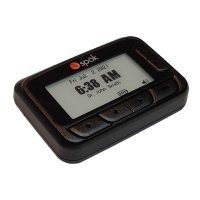
GenA User Guide
Spok, Inc. – Copyright 2022 P a g e | 6 v01/22
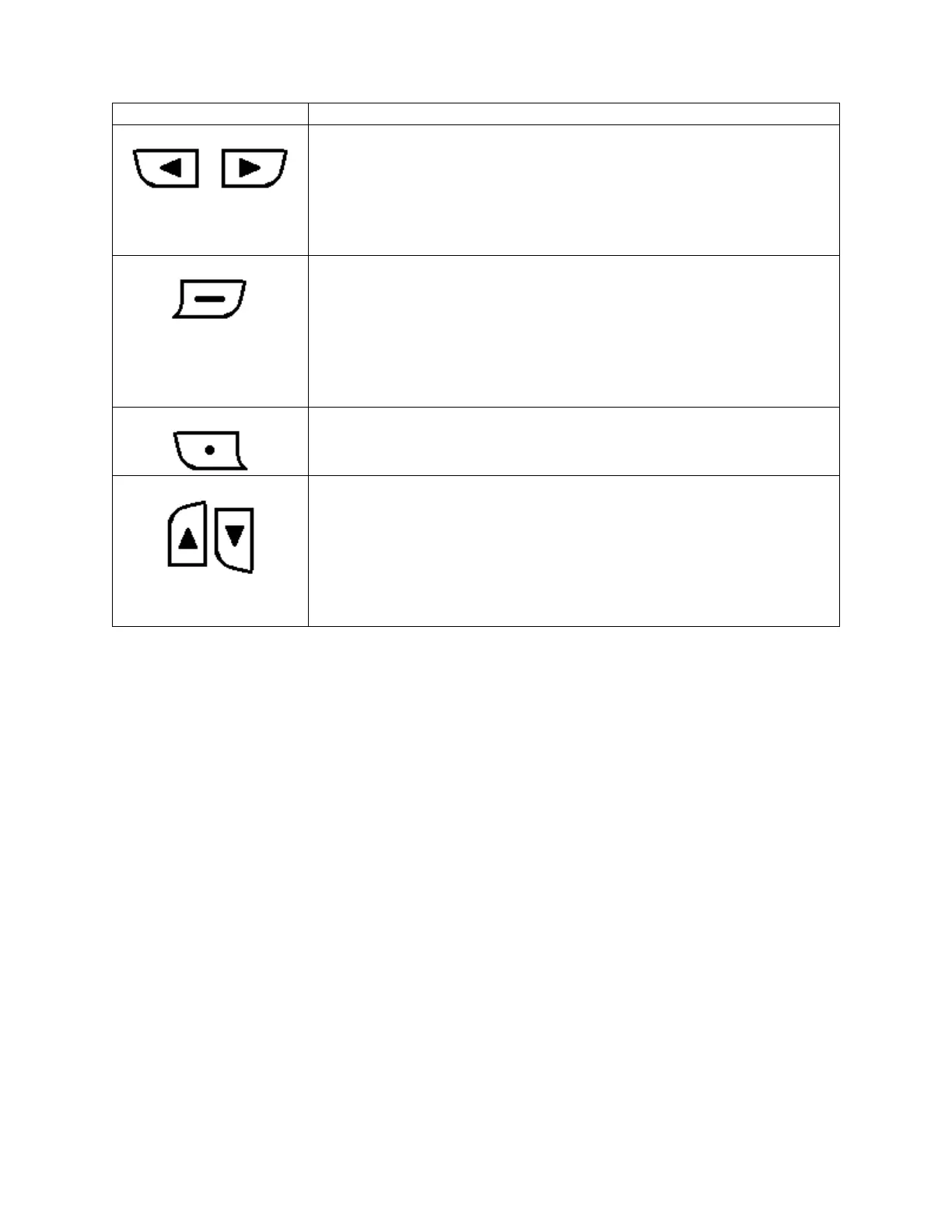
CONTROL BUTTONS
• Used to move a selection highlight left or right.
• Used to navigate through the Settings menu items.
• Used to move the previous/next page in message list screen.
• Used to move the previous/next message in message view screen.
• Used to navigate through Date & time, alarm and Do not disturb time
setting values.
• Used to open an action popup (with 2 sec press).
• Used to open a message from a message list screen.
• Used to activate a highlighted selection.
• Used to move to the next page of a message when in the message
view screen.
• Used to confirm adjusted Date & time, Alarm and Do not disturb time
setting value changes.
• Used to exit a menu or a menu popup.
• Used to cancel a selection.
• Used to turn the front light on with a 2 sec press.
• Used to move Up and Down a list.
• Used to move Up and Down the Settings menu and through a
message list screen.
• Used to move Up or Down a message line by line in a message view
screen.
• Used to change values in the Date & time, Alarm and Do not disturb
time setting functions.


 To Next Page