GenA User Guide
Spok, Inc. – Copyright 2022 P a g e | 4 v01/22
DEVICE DESIGN
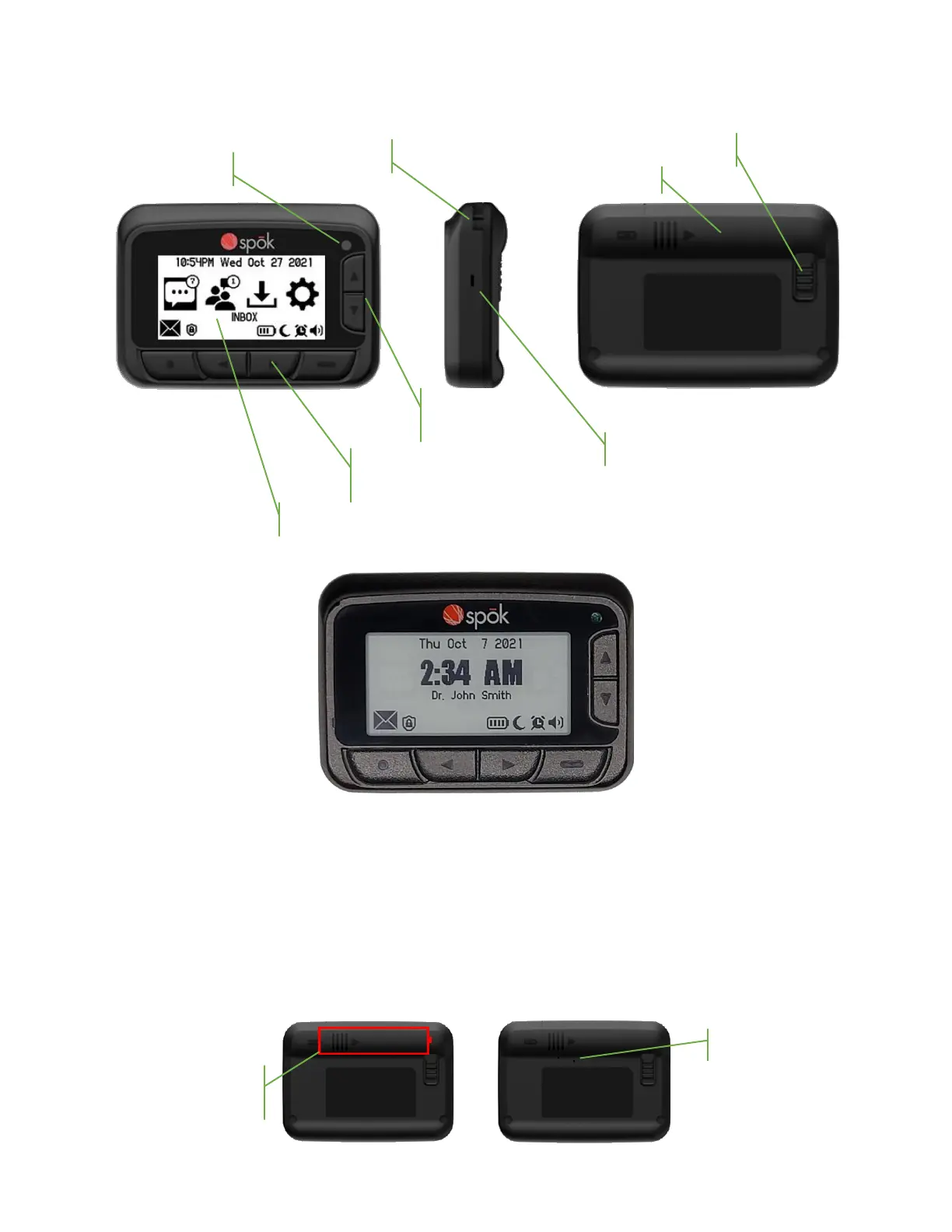
Mechanical Features
Button Locations
Battery Insertion and Removal
• Slide the battery cover lock away from the cover
• Slide the battery cover about ¼” out until the two alignment dots are lined up and then lift the
cover away from the pager
• Insert a AA battery with the negative end to the spring contact
• Replace the battery cover by inserting and aligning the dots. Then slide the cover closed and
slide the battery cover lock into place



 To Next Page