GenA User Guide
Spok, Inc. – Copyright 2022 P a g e | 29 v01/22
Thus, if the Inbox Size is set to 20 and there are three sub-folders, each sub-folder will contain a
maximum of 20 messages. However, if the Inbox Size is set to 40 and there are three sub-folders, each
sub-folder would not be able to contain 40 messages (3x40 >99) and messages would be automatically
deleted to maintain the Groups folder 99 message limit. Therefore, when a new message is received,
message deletion will follow the following rules.
• IF FolderCount = Max
o Delete oldest read message from the folder. If no read messages exist, delete oldest
unread message from the folder
o Store new message
• ELSEIF TotalCount =99
o Delete oldest read message from all Groups folders. If no read messages exist, delete
total oldest unread message from all Groups folders.
o Store new message
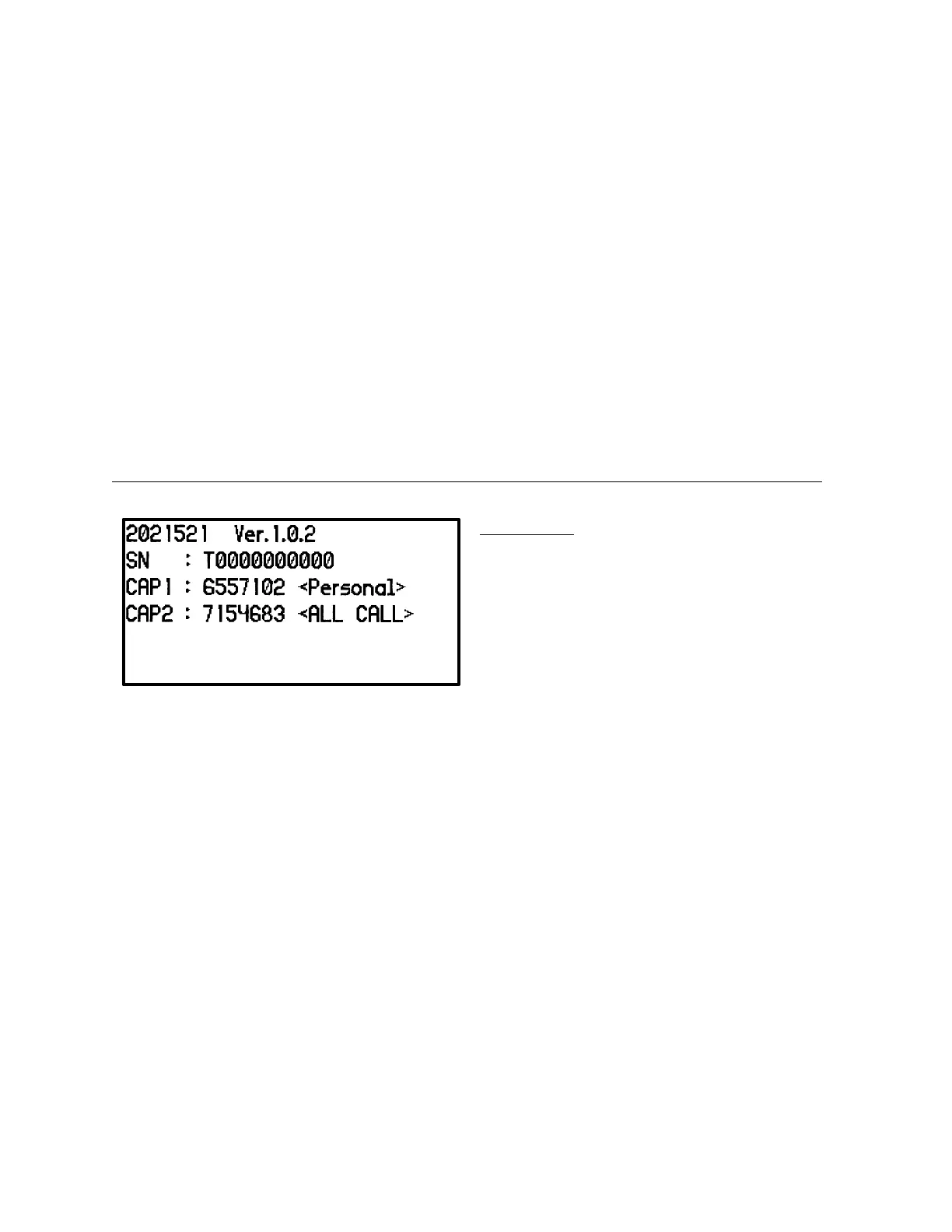
About
About Screen
The About screen lists the following
information:
• Date of firmware release
• Firmware version
• Device serial number
• Programmed device addresses with source
text


 To Previous Page