IP Video Intercom Paging Console User Manual
14
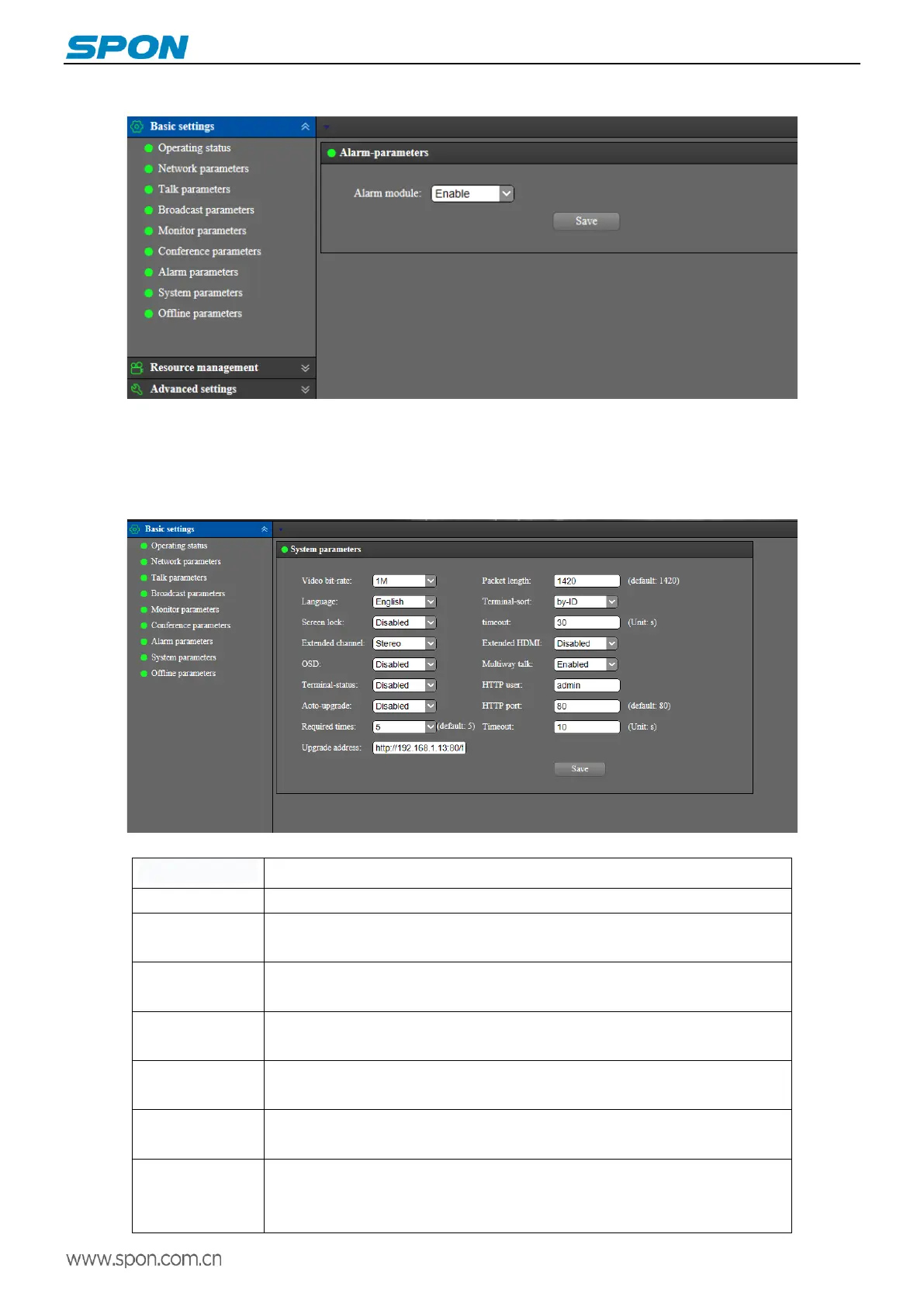
Alarm parameters
Set to turn on or turn off the alarm module , the default is disabled. When enabled, the terminal screen will have an alarm
module, and users can initiate alarm to trigger the audio file preset by the target terminal or partition play server. (Please refer to
the “ Basic Function - Alarm ” below for details.)
System parameters
The meanings of the parameters are as follows:
Configure the sorting mode of the terminal display in the grid interface and support
sorting by terminal name or terminal ID.
Enable the lock screen protection, and set the lock screen time. After the terminal
enter into the screen saver state, enter the password to enable it again.
Mono or stereo can be set.
Set whether to enable the extended HDMI output function.
When enabled, the terminal ID and name will be shown on the video, the default is
disabled.
Set whether to enable multiparty conversation function.(to use this feature, you
need to enable multiparty conversation in the Terminal Management- Intercom
Properties of the service software)



 To Next Page