IP Video Intercom Paging Console User Manual
23
E-map
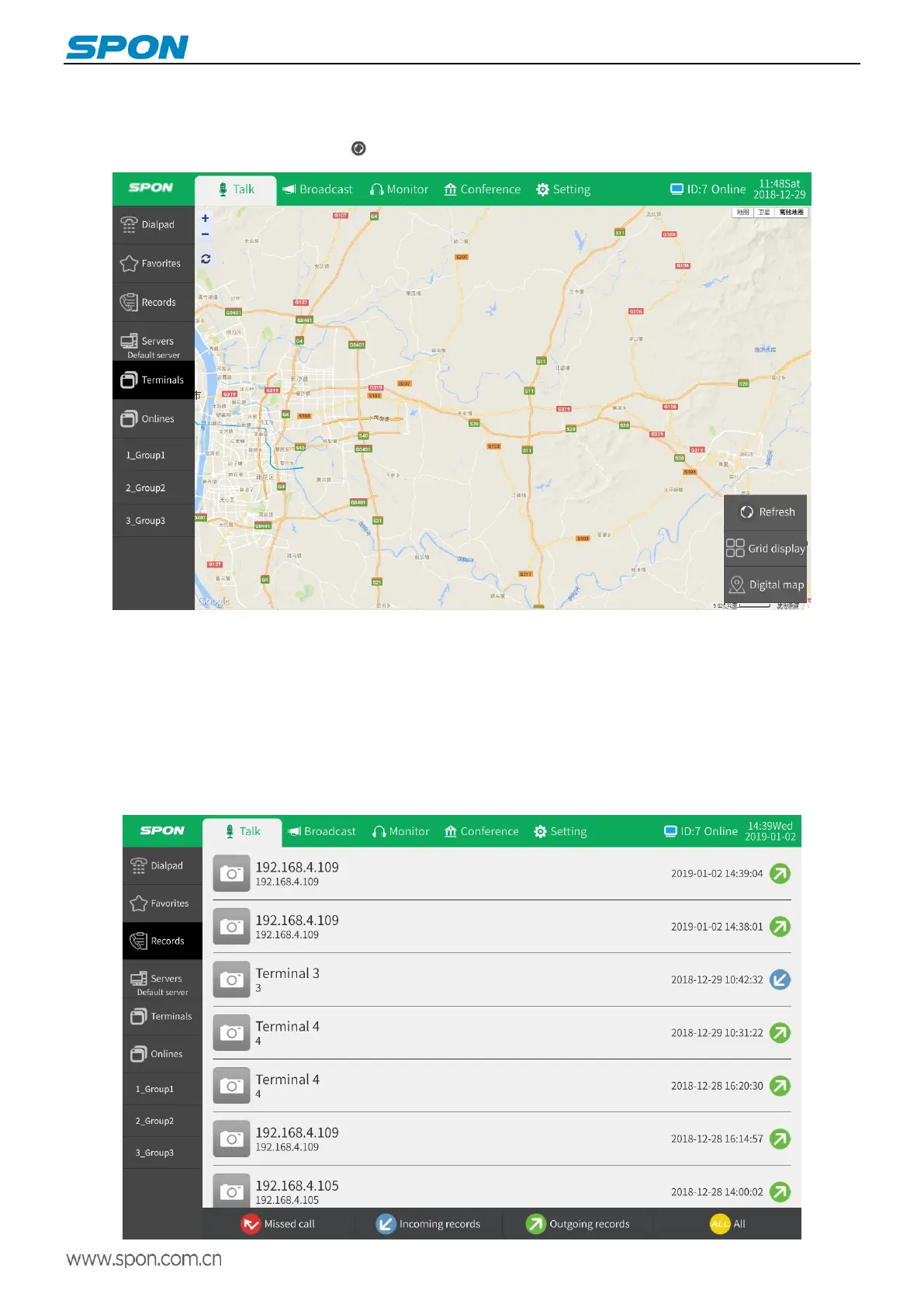
The talk module [all terminals] interface supports terminal grid and electronic map display. The default is terminal grid mode.
Click the icon at the bottom right of the screen to switch the view to electronic map mode.
Note: The electronic map shows the map set in the server. For details please refer to user’s manual of server. Talk in map
mode, if access to the display, the IP video intercom paging console can achieve a different screen display.
Talk records
The IP video intercom paging console can save all talk records and support filtering by category (missed calls, incoming calls,
and outgoing calls) to improve user search speed.
On the talk records interface, click any record to call back to the target terminal.



 To Next Page