IP Video Intercom Paging Console User Manual
7
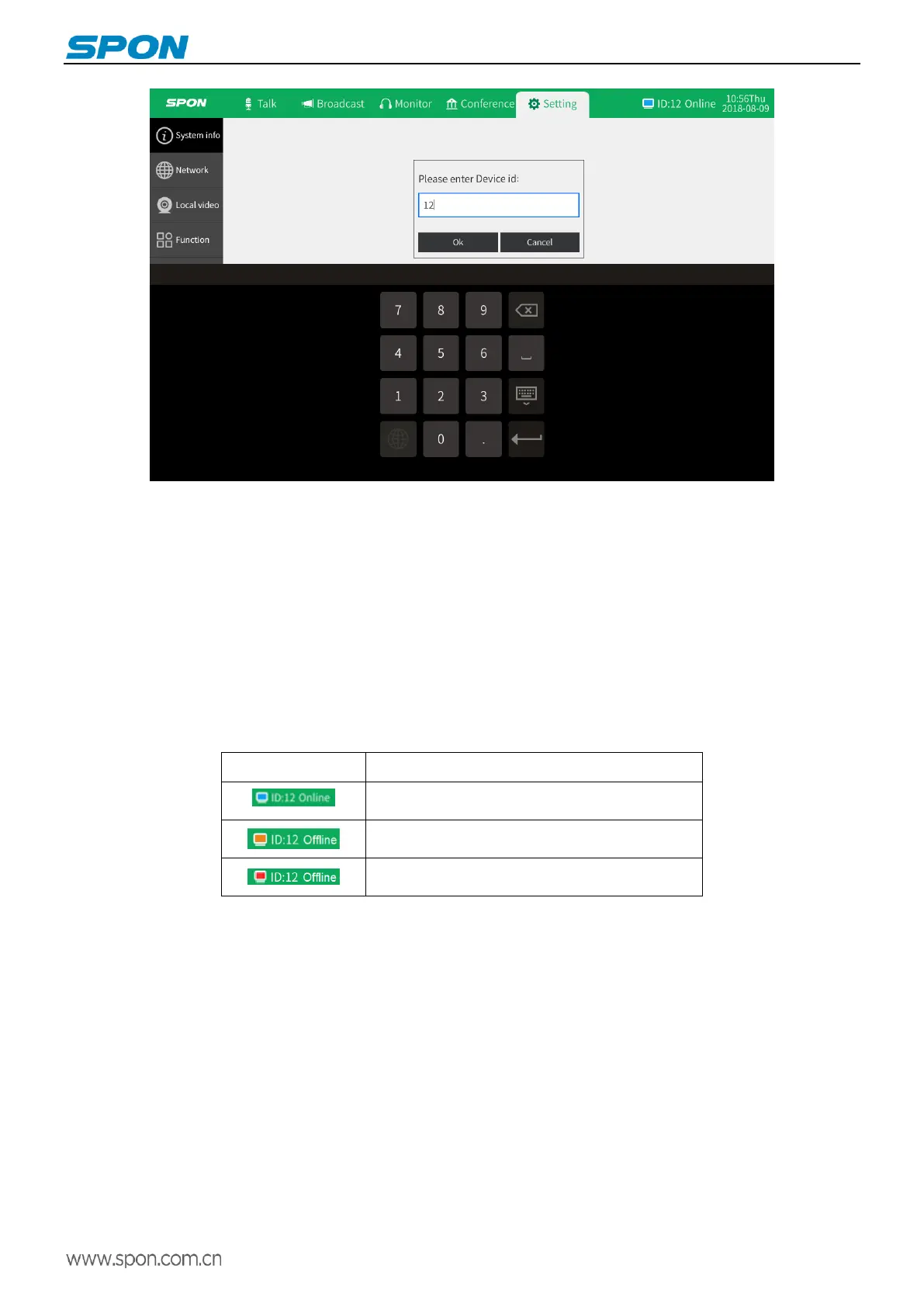
(3)Click “OK”, the IP address will be effective(Note: the device ID No and IP address can`t be same with other terminals).
Web page mode
Enter into the IP video intercom paging console web interface, then modify the parameters according to the environment,
after setting completed, click “save”.
Please refer to the custom terminal network parameters setting for detailed operation .
Interface description
Enter the main interface after the terminal is on, which displays time, date, and function icon displayed. At the same time, you
can see login status, intercom status and task status of other terminals.
terminal status icon
Terminal online(Icon color displays blue, status
proves online)
Terminal offline(Icon color displays yellow, status
proves offline)
Cable discount( Icon color displays red, status
proves offline)



 To Next Page