IP Video Intercom Paging Console User Manual
20
Multi-Call
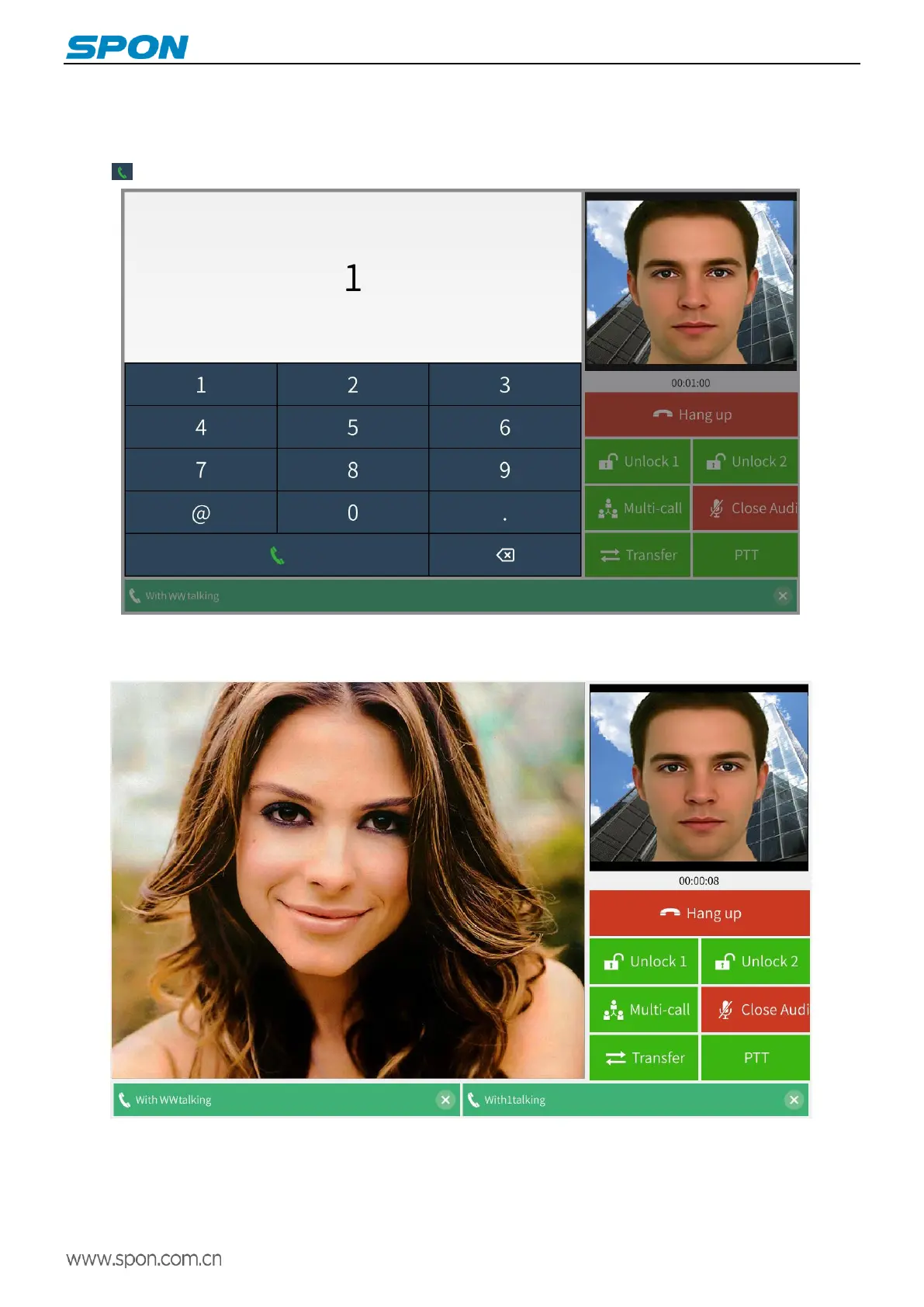
Please enable the multi-party talk function in the web page " System Parameters " in advance.
During the call, click the “ Multi-call ” button, enter the third-party ID number in the pop-up digital keypad, and press the dial
button to initiate the tripartite talk.
During the tripartite talking, the three parties of the talk can clearly hear the voices from the other two parties. One of the
parties hangs up and does not affect the other two parties.



 To Next Page