IP Video Intercom Paging Console User Manual
17
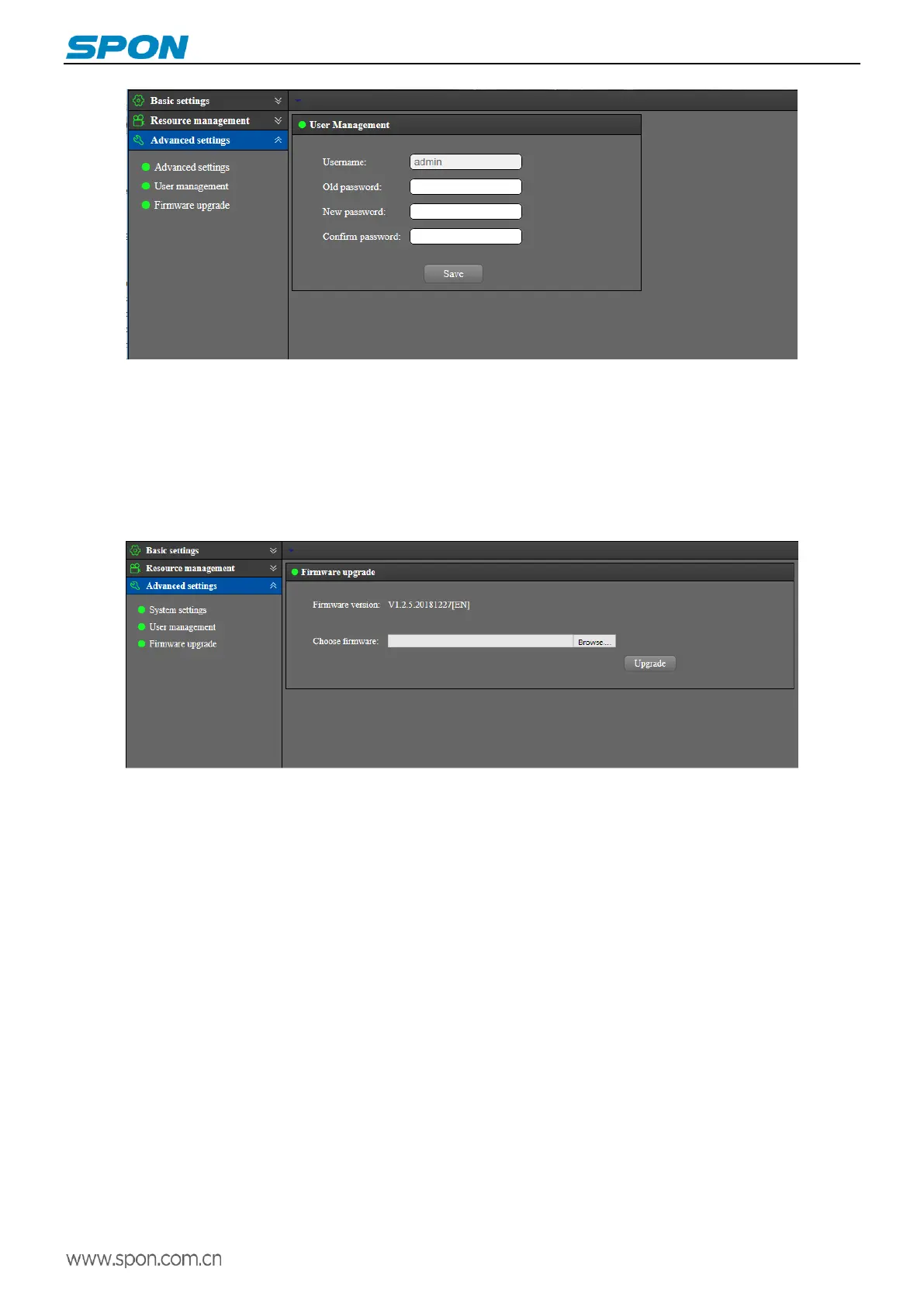
Firmware update
On the firmware upgrade page, click “Browse”, select the firmware upgrade file provided by the manufacturer, and click the
“Upgrade” button to start upgrade.
Note: please do not cut off the power during the upgrade process, it may cause upgrade failure and device broken.
The upgrade process will be 120s, the device and the web page will reboot automatically after reboot). please do not
update firmware without special needs.
Basic function
Talk
(1)Dial call
Under talk mode to choose “Dial” will pop-up the digital keyboard, enter the target ID No and click call button, it will call to the
target terminal.



 To Next Page