IP Video Intercom Paging Console User Manual
18
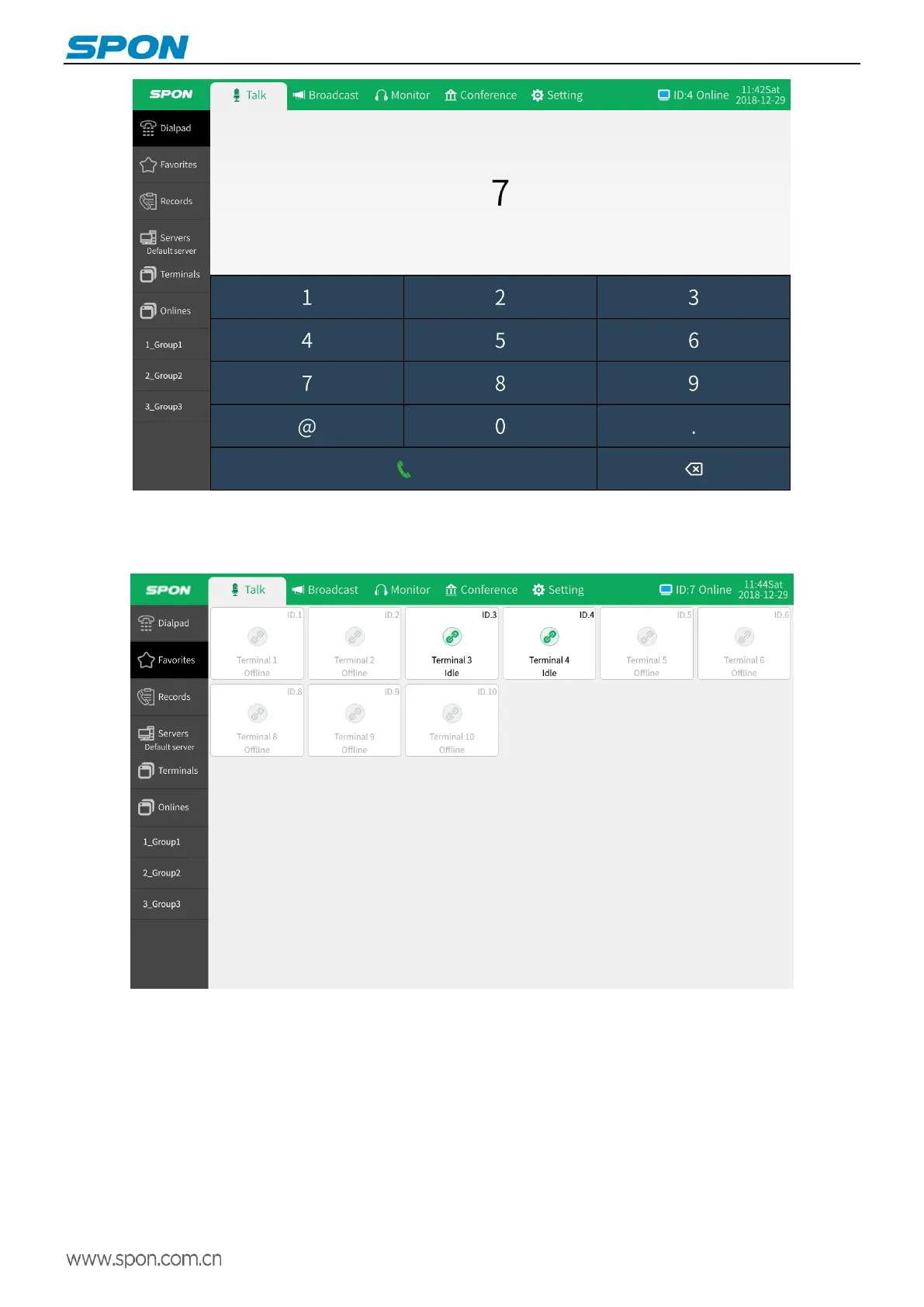
(2)Favorites
In the talk module, select "Favorites" and click the target terminal to initiate talk.
Note: the terminal in the favorites is added in settings. Users can add some frequently called terminals to the favorites
to realize convenient and quick call.
(3) One-button call
In the talk module, select "all terminals" and click on the target terminal to initiate one button call.



 To Next Page