IP Video Intercom Paging Console User Manual
6
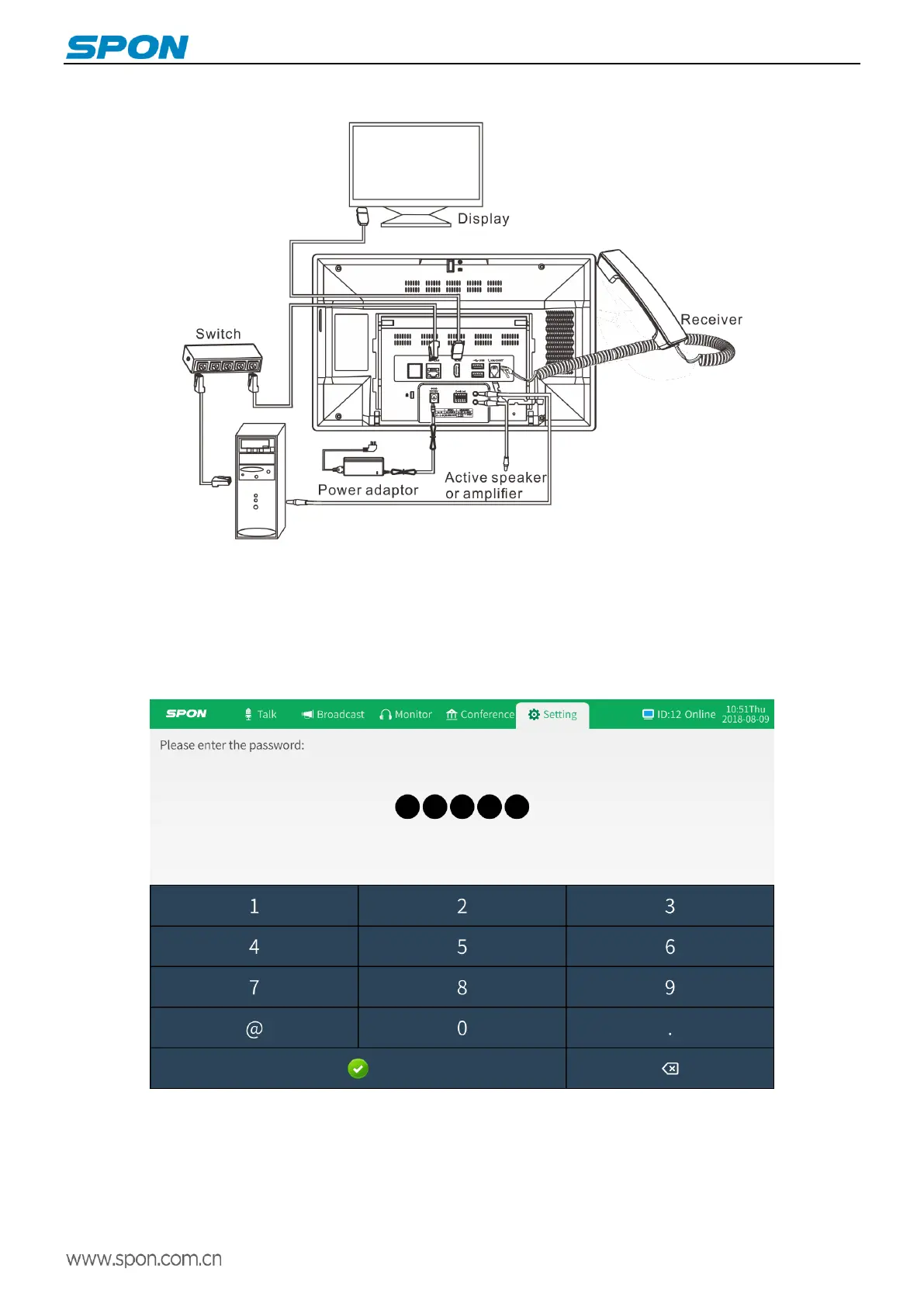
Wiring
Basic network settings
Connected IP video intercom paging console and power on. Please revise the console parameters as per the live
environment, there are below 2 methods:
Touch screen operation
Select “Setting” option, then enter the password (the default is 123456) on the pop-up interface.
(2)Device ID and server IP parameters can be set on the system info interface, and device IP and defaulted gateway can
be set on the network interface.



 To Next Page