IP Video Intercom Paging Console User Manual
21
Call transfer
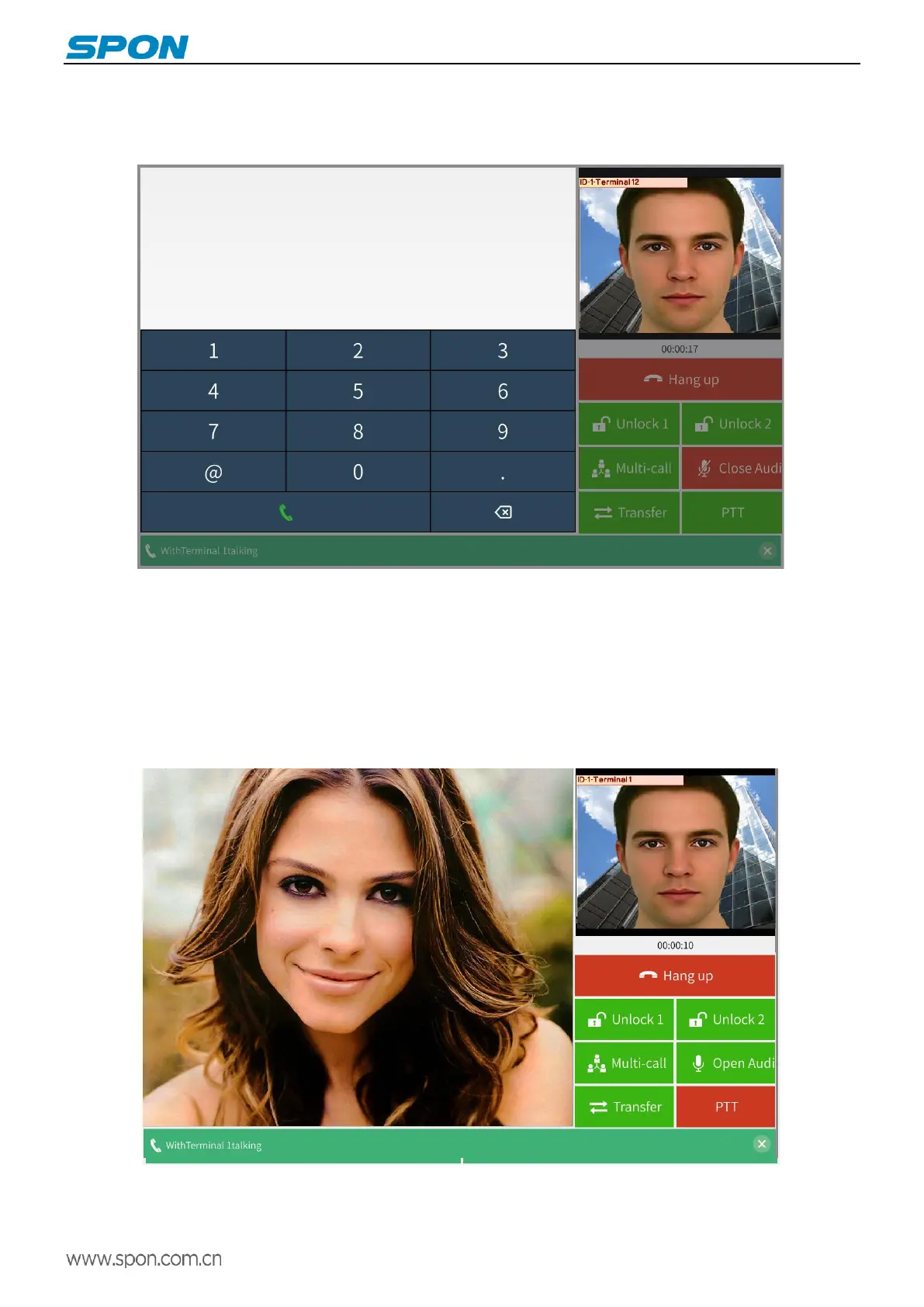
During the talking, click the call transfer button, input the transfer target terminal ID number, and then click the dial button, the
IP video intercom paging console off the current terminal intercom and automatically call to the transfer target terminal.
If the transfer target terminal is not online, the local subtitle prompt "target is not online", stay in the transfer interface, click
again the transfer icon to enter the talk interface.
PTT
IP video intercom paging console supports PTT talk. Press “PTT” button during talking, the MIC will be closed. The talking
can be initiated by press and hold the PPT button, and release it to stop talking (only for listening).
Note:Press and hold the PPT button to talk, the button will turn red then, The button will turn back to the original colour after
releasing.



 To Next Page