IP Video Intercom Paging Console User Manual
40
Settings
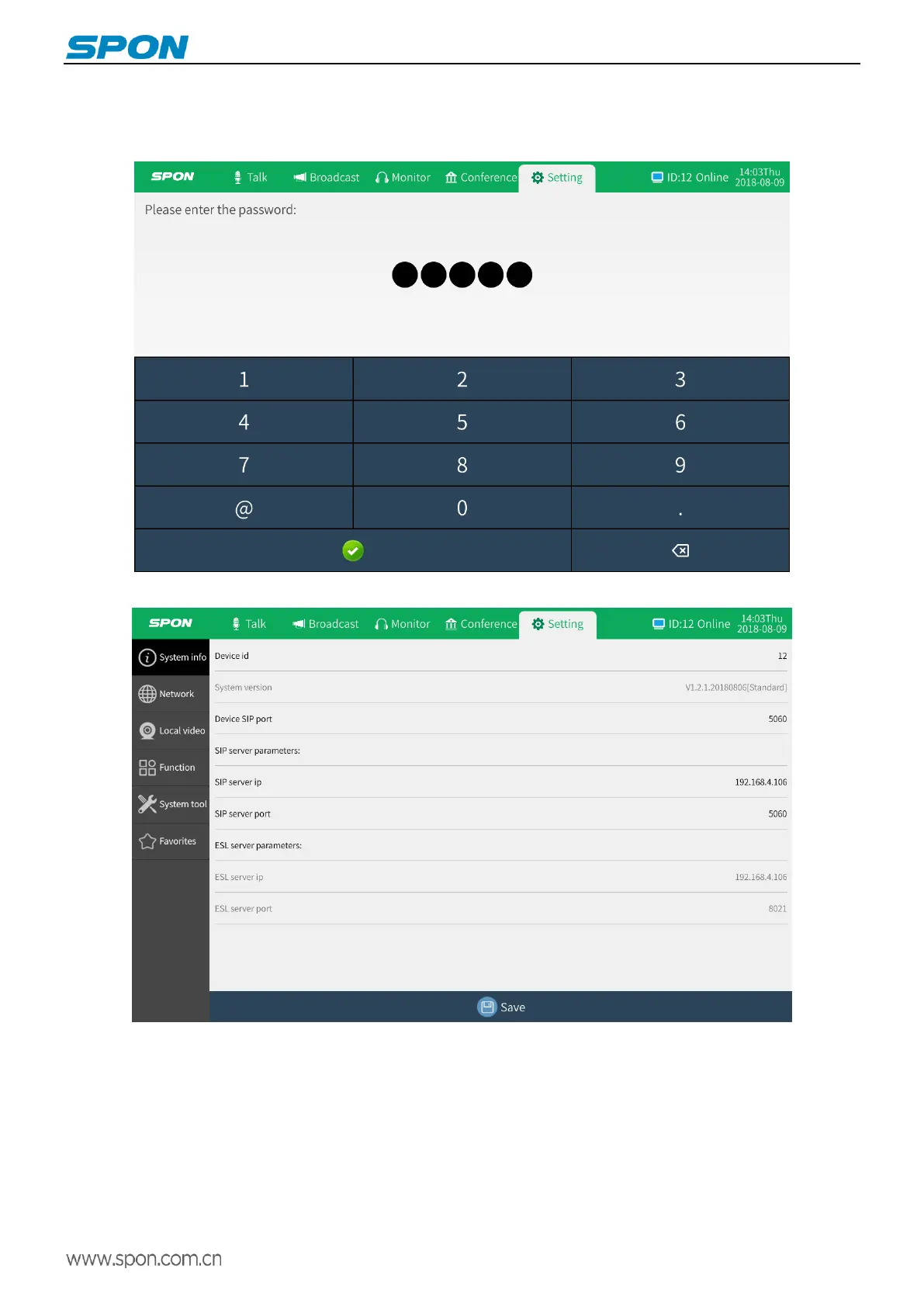
Click the setting, input the terminal password (default is 123456), which can be used to set related parameters such as
network parameters and function parameters.
System Information: Set the device ID and sip server parameters of the IP video intercom paging console.
Network parameters: Set the IP address, default gateway, subnet mask, and other information of the IP video intercom
paging console.



 To Next Page