IP Video Intercom Paging Console User Manual
42
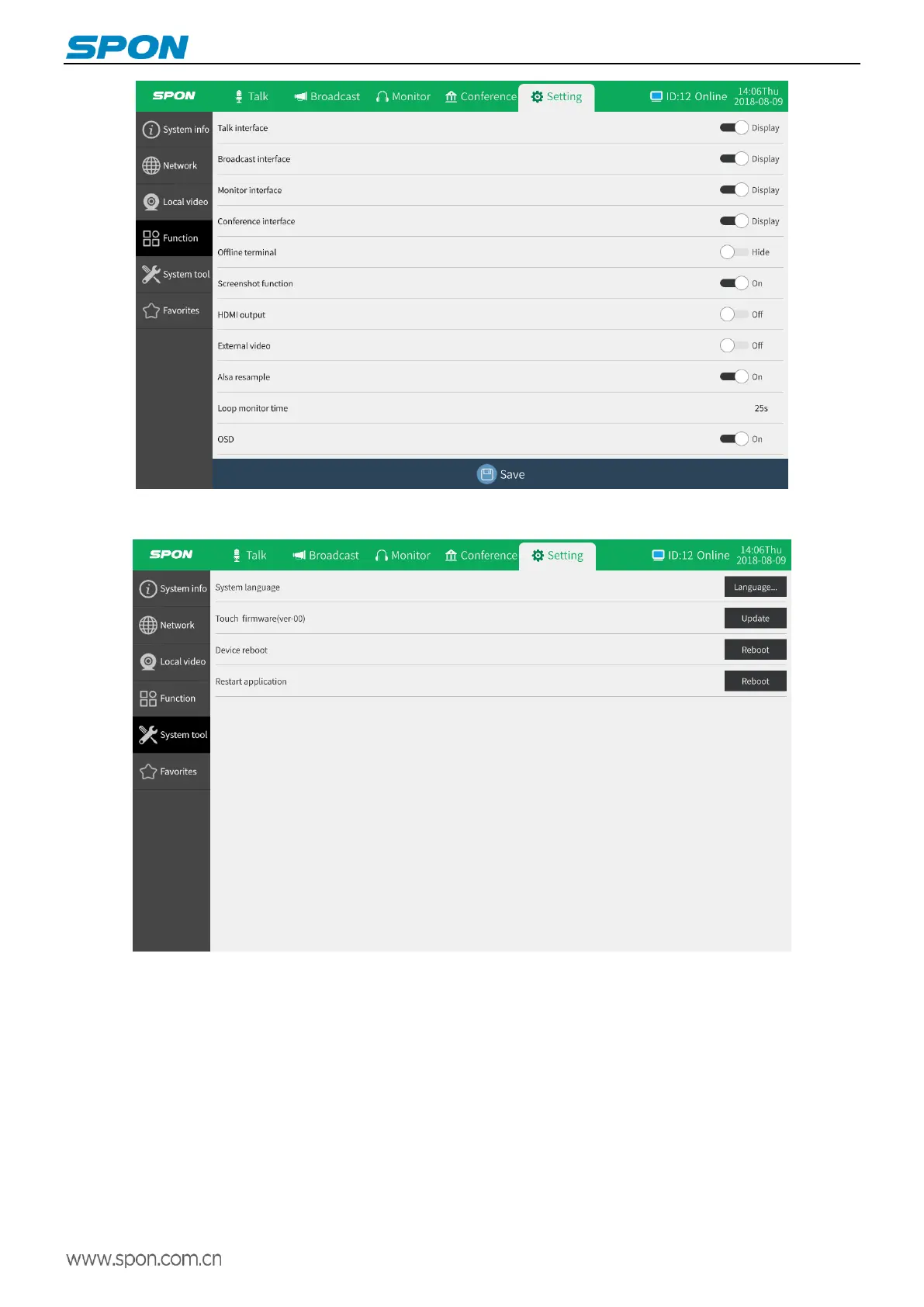
System tool settings: set the system language, reboot the device, restart the application.
Add favorites: user can add some frequently called terminals to the favorites, and the collected terminals can be displayed
in the intercom interface favorites, and user can use the favorites to quickly initiate intercom to the target terminal without
searching for the terminal in the terminal list.
Directly click on the target terminal to collect (the red heart shape is displayed below the terminal ID after selection), and it
will be effective after saving.



 To Next Page