6 Quick start
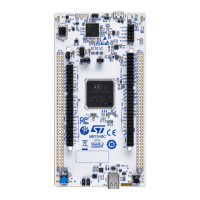
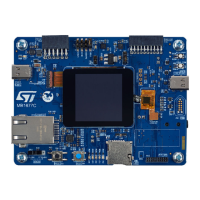
This section describes how to start development quickly using the STM32 Discovery board.
Before installing and using the product, accept the evaluation product license agreement from the www.st.com/
epla webpage.
For more information on the STM32N6570-DK Discovery kit and demonstration software, visit the STM32N6570-
DK webpage.
6.1
Getting started
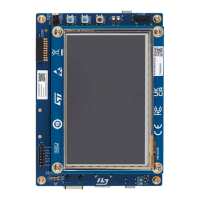
Follow the sequence below to configure STM32N6570-DK and launch the demonstration application (refer to
Figure 4 and Figure 5 for component location):
1. To identify correctly all device interfaces from the host PC, install the discovery USB driver available on the
STM32N6570-DK webpage, before connecting the board.
2. Check that the jumper JP2 is set on STLK (shunt [1-2]). Set SW1 and SW2 to 'L'.
3.
Connect a USB Type-A
(1)
or USB Type-C
®
to USB Type-C
®
cable (not included) from the STM32N6570-DK
Discovery board (CN6) to a PC to power the board. The 5V power LED (LD5) lights up.
4. The LCD daughterboard displays a welcome menu, indicating the demonstration application software startup.
5. The demonstration application software and its user manual, as well as other software examples for exploring
STM32N6 features are available at STM32N6570-DK.
6. Develop an application using the available examples.
1.
When using Type-A to USB Type-C
®
cable, the power supply is limited to around 550 mA, very close to the consumption of
the board. Used with the MB1854 camera module, the board fails to start because the power supply is not enough through
the Type-A to USB Type-C
®
cable.
UM3300
Quick start
UM3300 - Rev 1
page 7/49


 To Next Page