Owner’s Manual
12
Operation
PROGRAMS
The StairMaster
®
Commercial Series SC916 StairClimber has a wide variety of
programming options with a great amount of flexibility to allow anyone of any
fitness level to use.
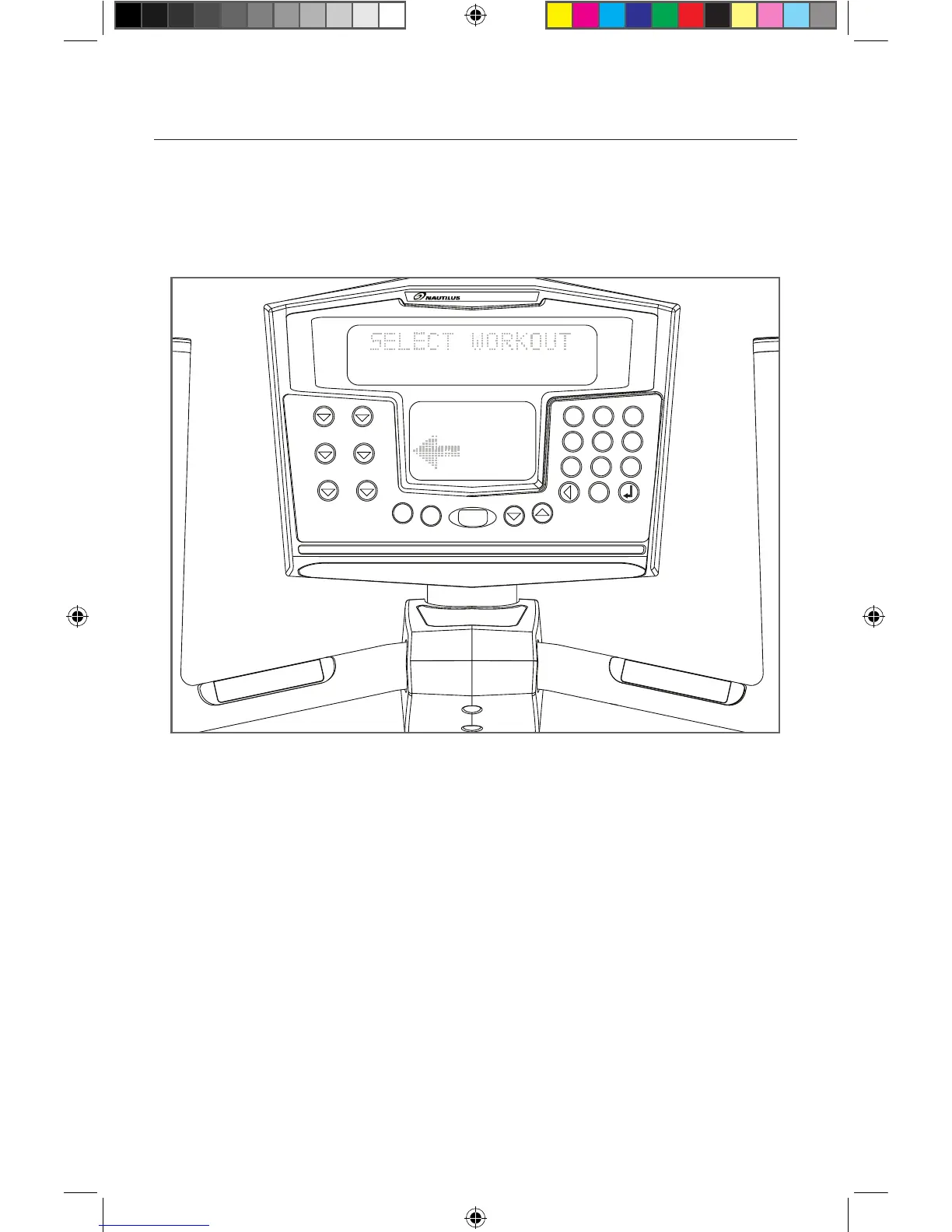
Workout Program Keypad
The workout program keypad is located to the left of the display. There are six
workout program keys, including a More Workouts key with multiple advanced
program options.
While the console is in the “SELECT WORKOUT” mode, press one of the exercise
program keys to preview the desired workout. After selecting the desired
workout, simply follow the prompts to enter the required user data for that
program.
When entering data, the user can select the standard default values by pressing
[ENTER] at the display prompt without first typing data. This will set up the
console with the following default data:














 To Next Page