1. In field ② in Fig. , 18 enter the activation code you received via email as shown in
Fig. 17 .
2. Confirm via the button ③.
ð
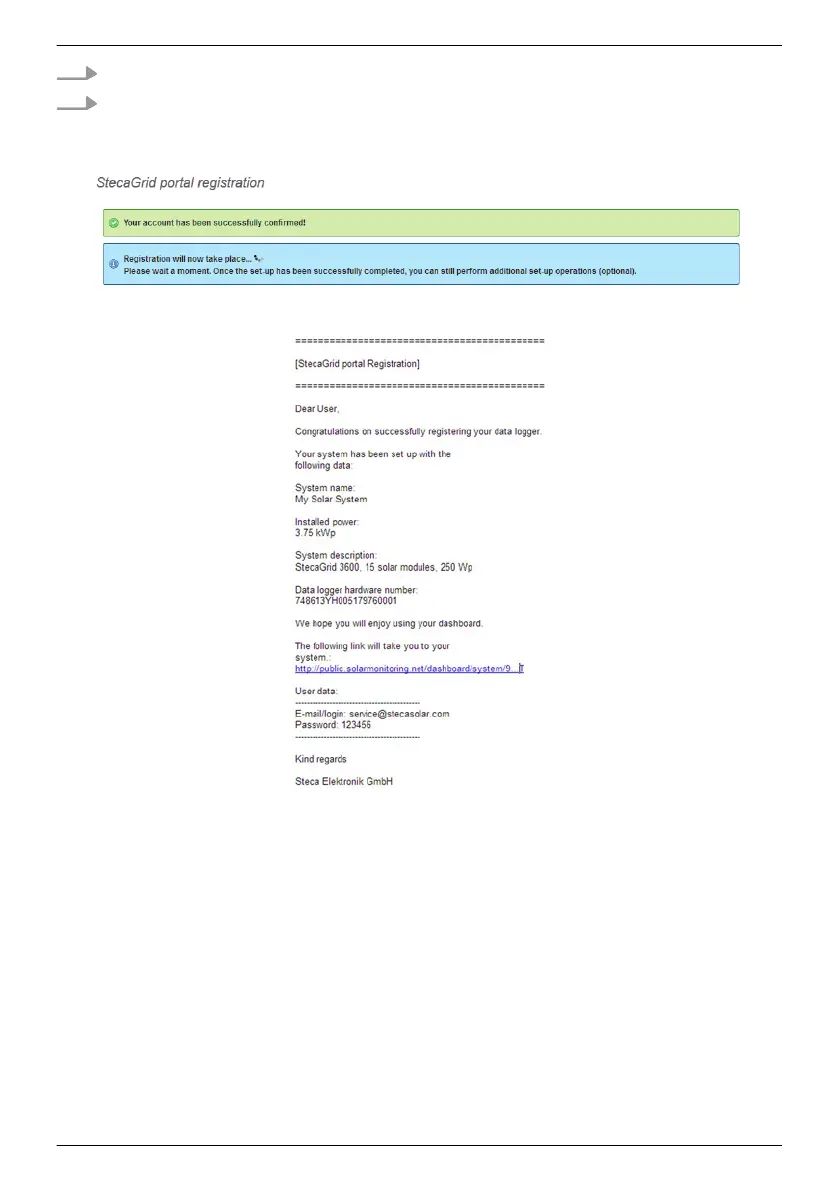
If the registration was successful then Fig. 19
appears and you will receive an additional
confirmation email (Fig. 20). This email contains a direct link to
Ä
Fig. , p. 60.
Fig. 19: Confirmation message of successful registration
Fig. 20: Email confirming successful registration
EN
747,431 | Z09 | 2015-09-30
58










 To Next Page