27
Chapter 3: Wave Hardware Features
© 2017 Stenograph
Function Buttons
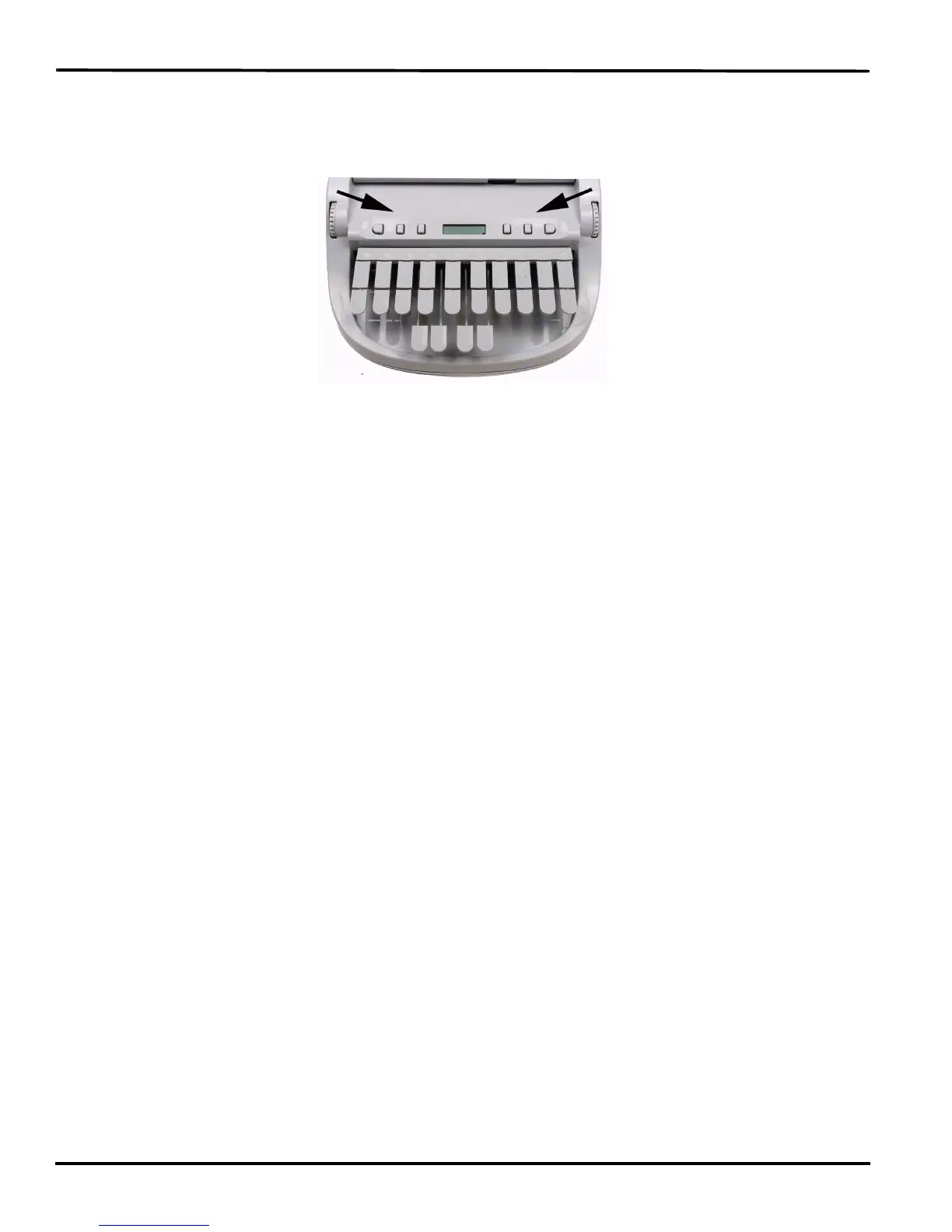
On either side of the Status LCD are three soft gray function buttons. The far left button turns the Wave
On.
Each button serves a specific purpose, or function, on the different menus. The menu bar is located at
the bottom of the Tilting screen. Press the associated button, just below a function on the menu bar, to
perform the action. For example, on the Opening menu, the word Off displays above the left most
button. Pressing Off turns the Wave Off. Again, on the Opening Menu, press the Setup button to display
another menu listing additional menu choices related to customizing your Wave, such as display
settings.



 To Next Page