Wave User Guide
30
© 2017 Stenograph
Status LCD
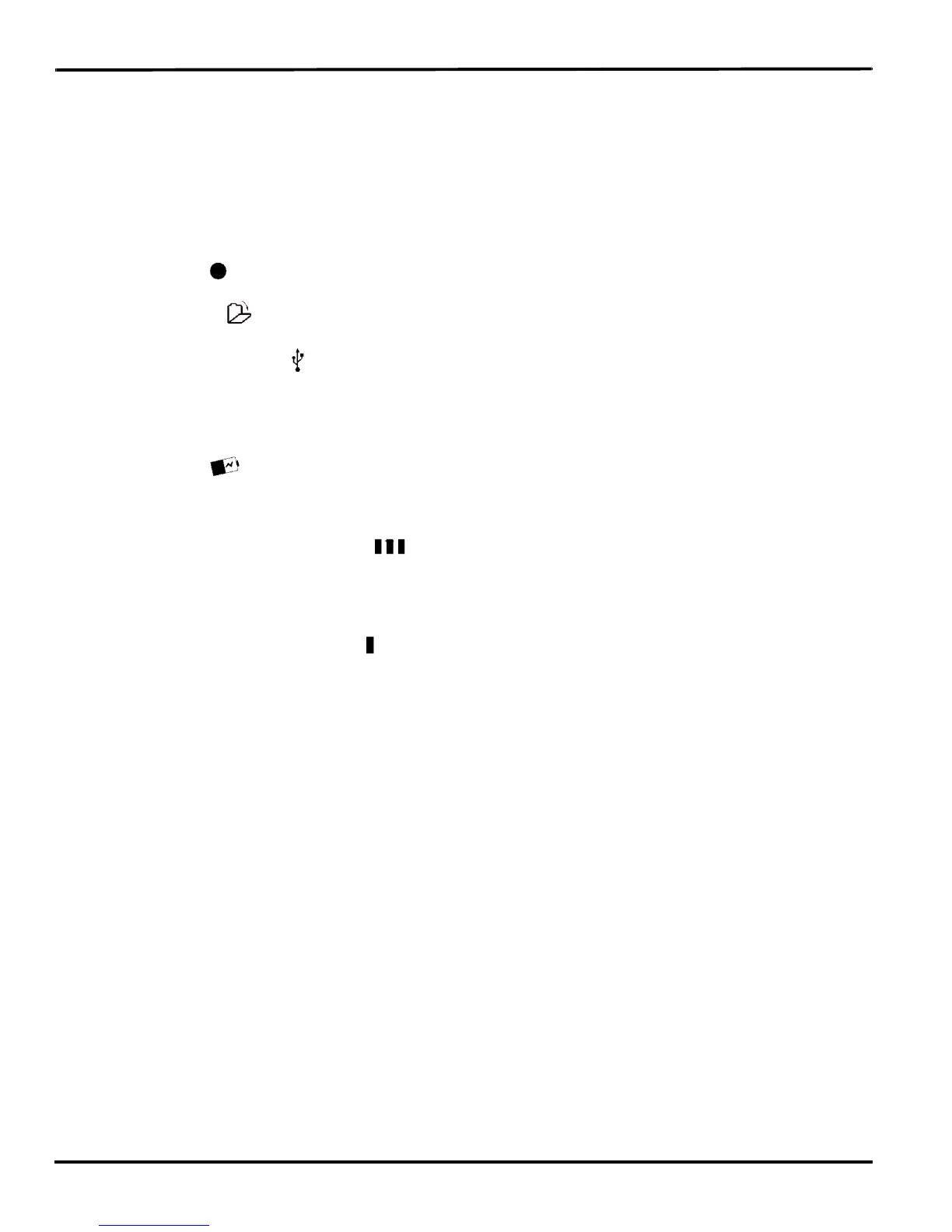
Located between the gray function buttons is a small rectangular LCD screen. The Status LCD displays
icons that indicate specific operations of the Wave. When battery power is low enough to turn off the
Tilting screen, the Status LCD continues to show information, indicating the writing machine is still
working.
The Status LCD provides the following information:
• A black dot ( ) displays in the lower right corner of the screen indicating the Wave is On.
• The file open ( ) icon displays when you begin writing on the Wave, indicating a file is open.
• The realtime indicator ( ) displays when the Wave is connected to a CAT system with a USB
connection or virtual serial port connection using a USB cable for writing. The icon only displays
when there is an active realtime connection. When you end realtime or disconnect the cable, the icon
does not display.
• The battery ( ) icon displays when the backup battery is charging. The backup battery is
automatically maintained when charging the main battery. This icon does not display if the backup
battery does not need to be charged.
• A row of rectangular black blocks ( ) display in running sequence from left to right when the main
battery is charging. When the Wave is finished charging, the bars move from each side to the middle
of the screen in a “clapping” motion. If you leave the AC adapter/charger plugged in for a long time,
the “clapping” motion stops, however the battery is fully charged.
• A single black rectangular block ( ) displays when you press a key. There is a corresponding block
for each letter on the keyboard. Which block displays depends on the key stroked. A block displays
for each key in the following order:
# S T K P W H R A O * E U F R P B L G T S D Z
Stroking the number bar along with a key displays the # sign on the left-most side of the Status LCD
and the single black rectangular block for the key pressed.



 To Next Page