Wave User Guide
34
© 2017 Stenograph
Accessing Wave Features
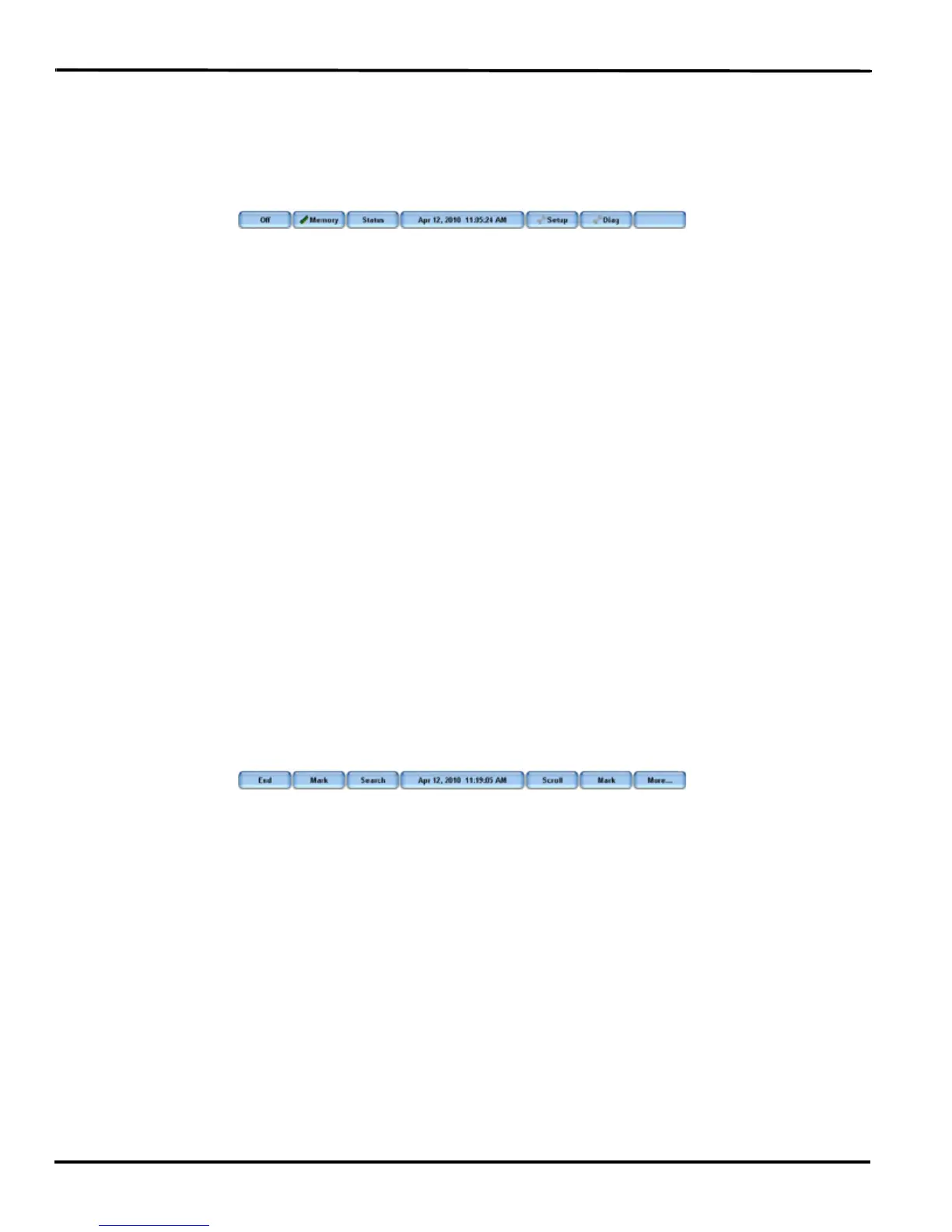
When you turn the Wave On, the Opening menu displays. The Opening menu is accessible when not
writing on the Wave.
Opening Menu
Opening Menu
From the Opening menu, you can:
• view and erase Memory.
• view Wave status information.
• set the time.
• adjust the Tilting screen display.
• access test mode.
• set options including backlight, beeper volume, keyboard layout and options, prompt to end a job,
display strokes per minute and USB communication.
Writing Menus
Once you begin writing on the steno keyboard, the first of two Writing menus replaces the Opening
menu.
First Writing Menu
The First Writing menu includes features that allow you to:
• close the file.
• insert electronic marks.
• search for last Mark or specific steno strokes.
• scroll the steno notes.
• access the second Writing menu.



 To Next Page