35
Chapter 4: Writing on the Wave
© 2017 Stenograph
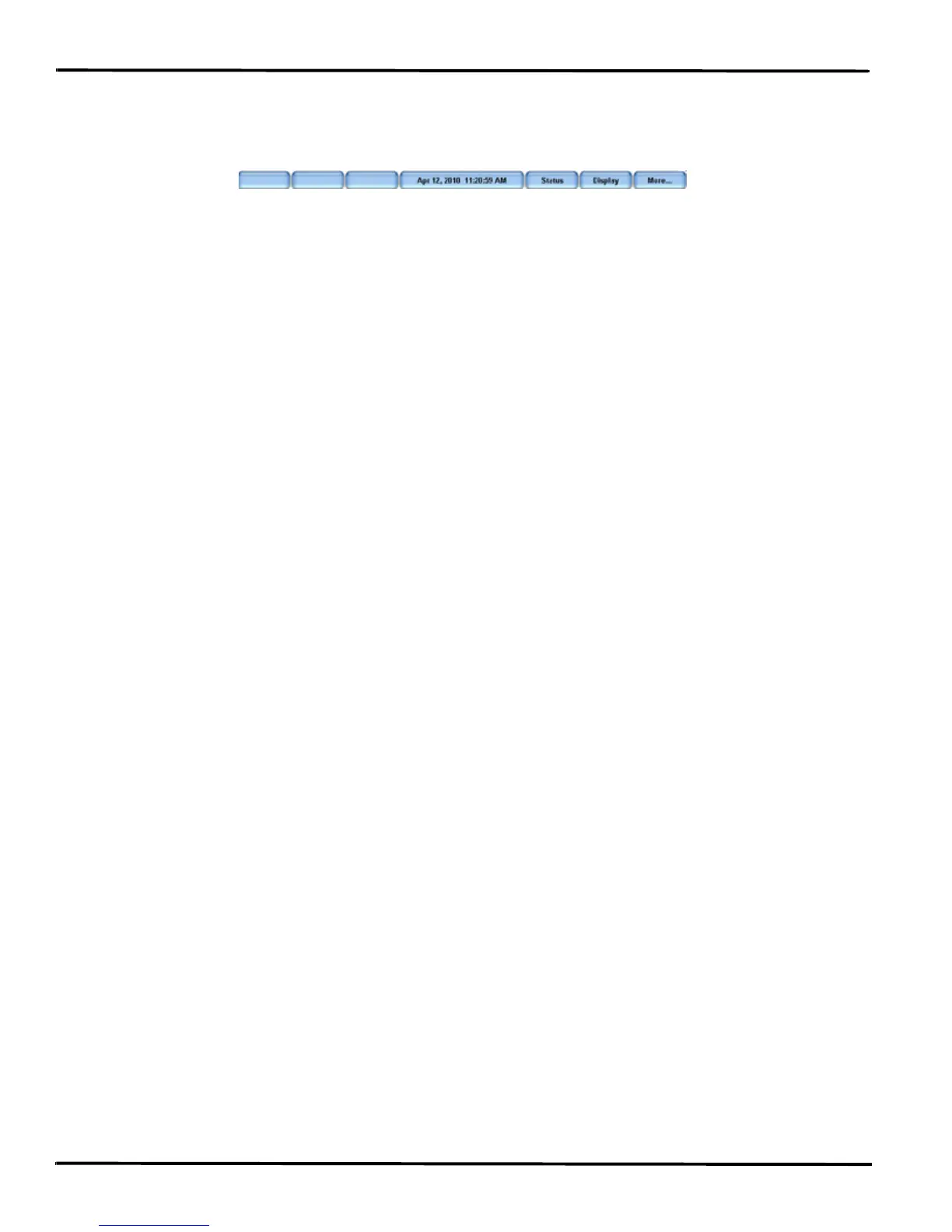
Second Writing Menu
Pressing More on the First Writing menu displays the second Writing menu.
Second Writing Menu
The second Writing menu includes features that allow you to:
• view Wave status information.
• adjust Tilting screen steno note font size and backlight level.
• access the First Writing menu.
Return to First Writing Menu
Continue writing or pressing More on the second Writing menu returns you to the First Writing menu.
Return to Opening Menu
Pressing End on the First Writing menu closes the current job and returns you to the Opening menu.



 To Next Page