Wave User Guide
68
© 2017 Stenograph
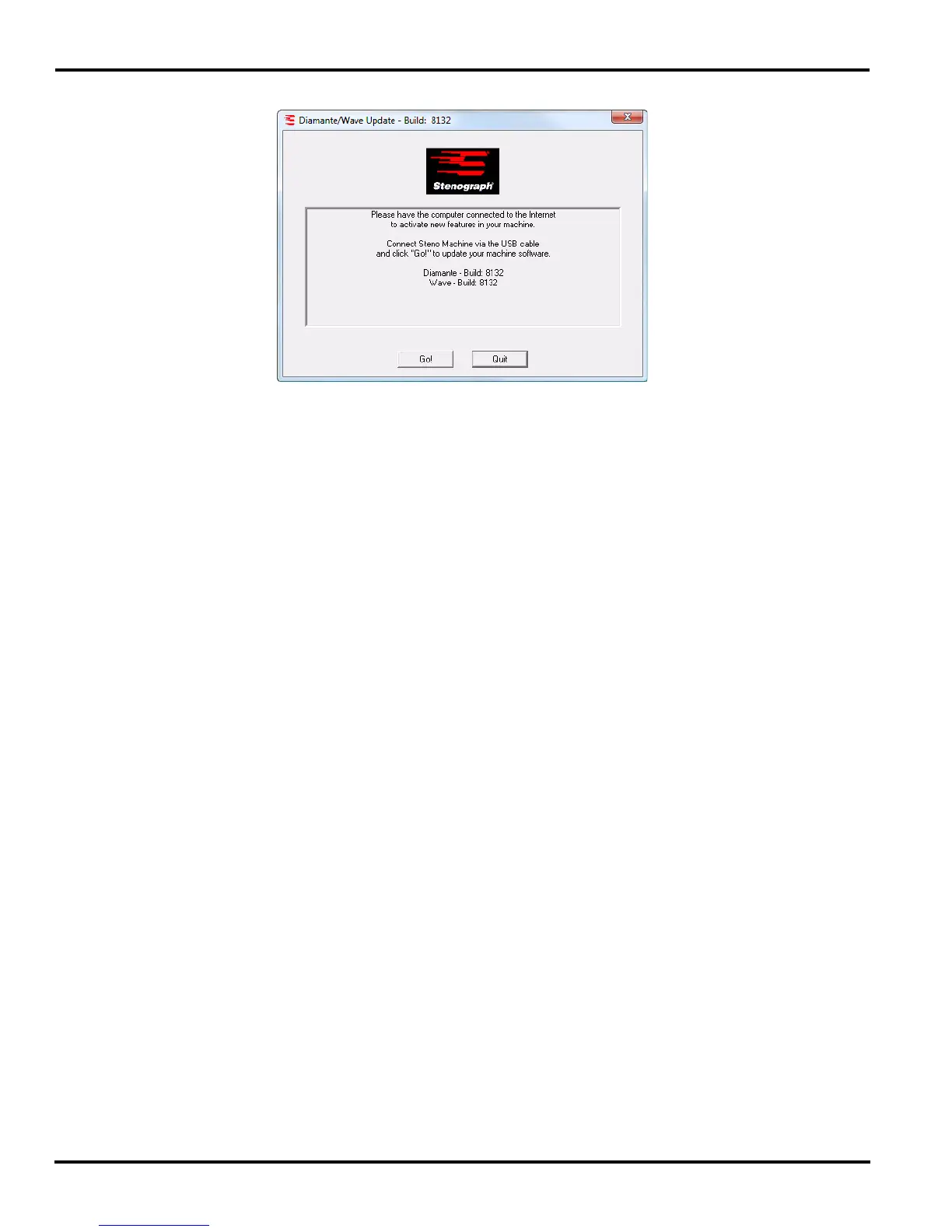
9. Double click on the DiamanteWave update file. The Diamante/Wave Update dialog box displays.
10. Click Go!. The screen briefly displays a message indicating it is sending the updated software build.
The Wave beeps twice and then displays the message: Programming Flash.
11. When the update is complete the Wave reboots and displays the Opening menu. Your computer
displays the message: Successfully Updated the Wave. Click OK to Exit.
12. Click OK and in the Wave Update dialog box on your computer, click Quit. You can delete the
update file.



 To Next Page