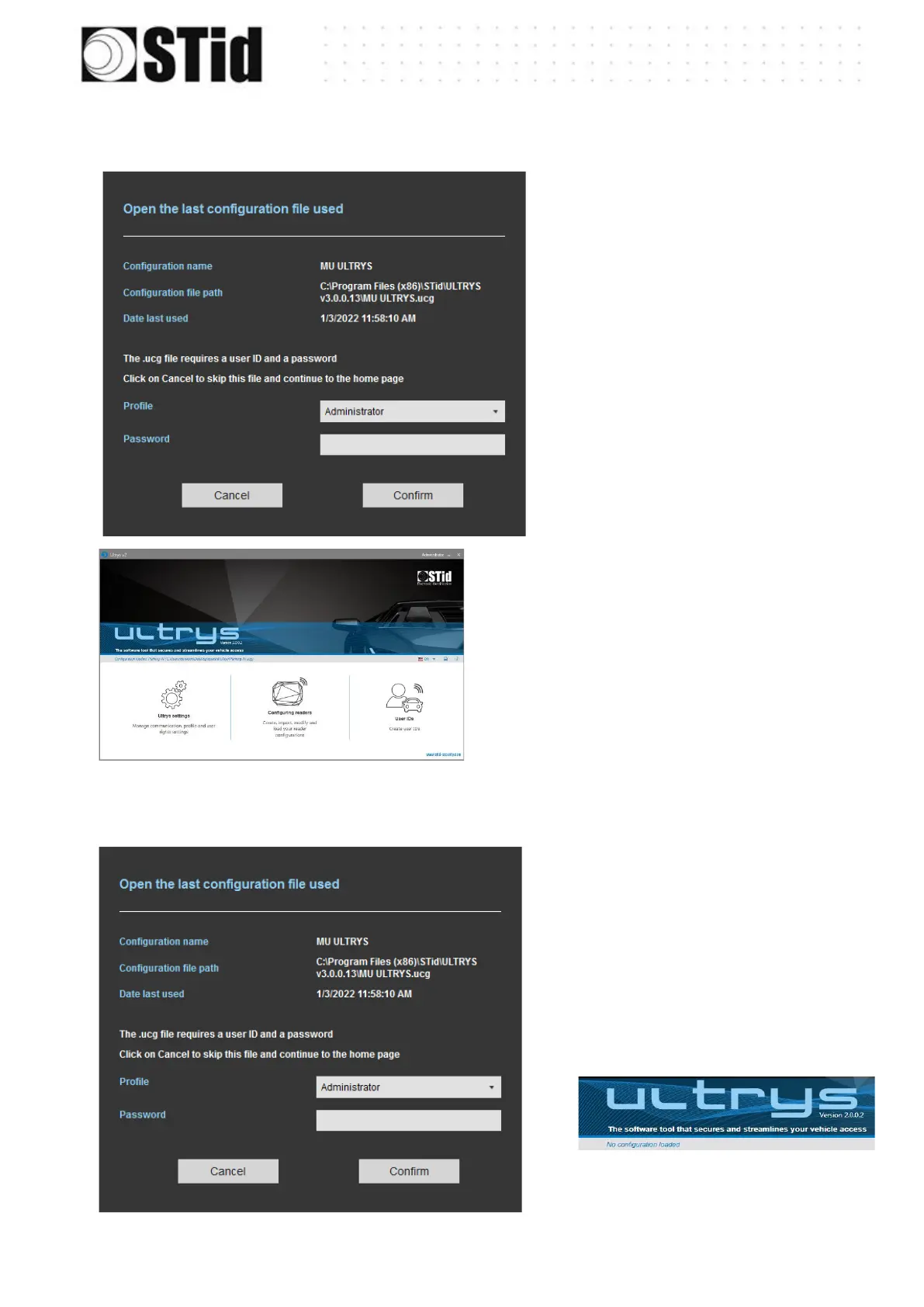
1st Case: the loaded file is the one to use
1. Enter the password of the
configuration file if there is
one if not go to step 2.
2. Select the profile to use to
open the file.
3. Enter the profile password if
there is one.
4. Please confirm.
5. ULTRYS loads the file and opens the
home page.
2
nd
case the loaded file is not the one to use
1- Cancel.
2- ULTRYS is open on the
home page without any
configuration loaded



 To Next Page