Step 4- Antenna type selection
The SPECTRE OSDP™ reader only works with the new SPECTER antennas (ANT-UHF2)
Step 4 does not exist in the SPECTER OSDP™ setup wizard.
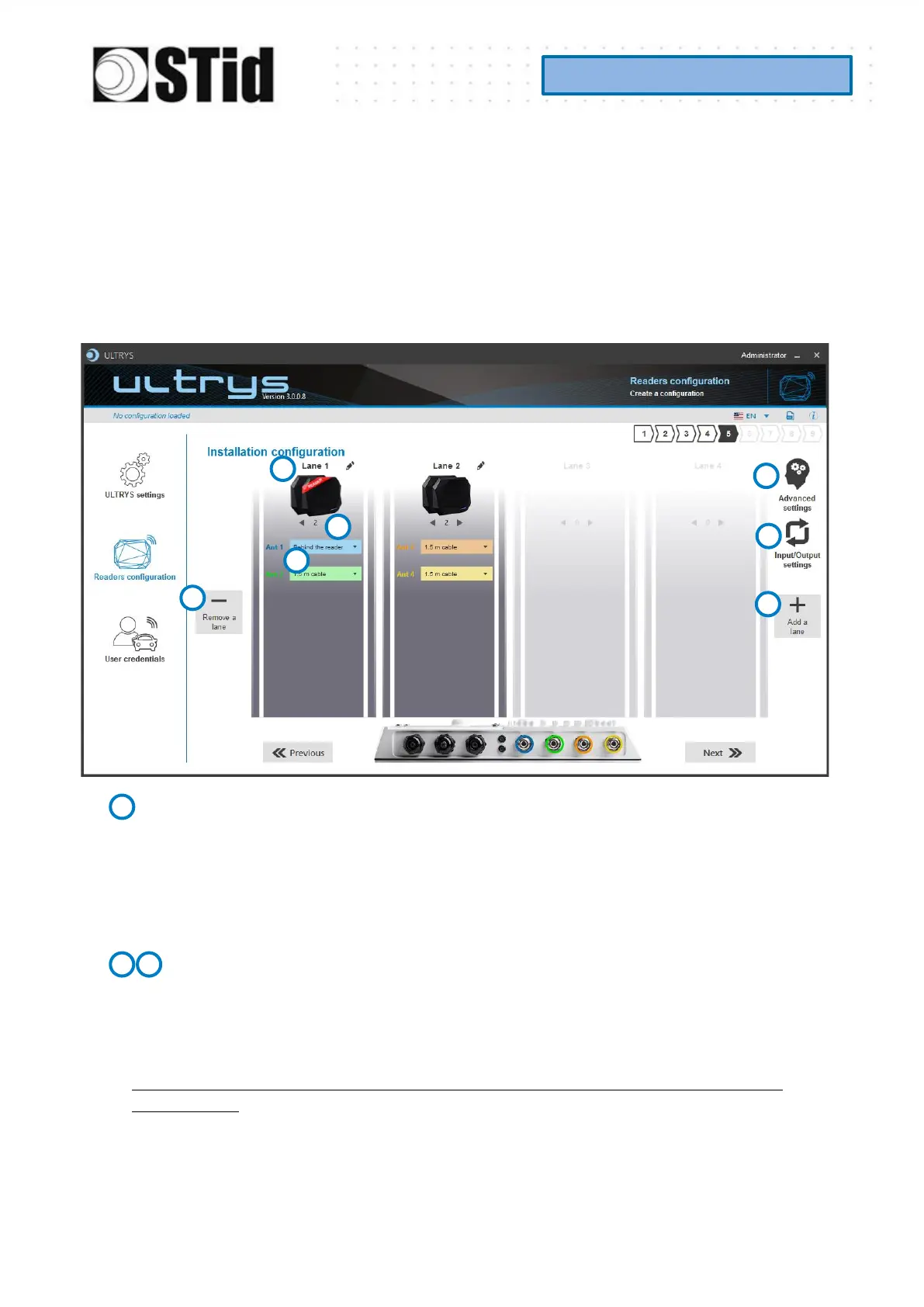
Step 5- Installation configuration
Name the lane
Maximum 10 characters.
For example, Entry1…
Add / Delete lane
Use ‘Add /Delete lane’ to configure the number of lanes you will use in your application.
The default setting is one antenna on the first lane.
For more information about the possible combination please refer to the document
NA_SPECTRE.



 To Next Page