© STid – MU_ULTRYS_V3.0.1_EN
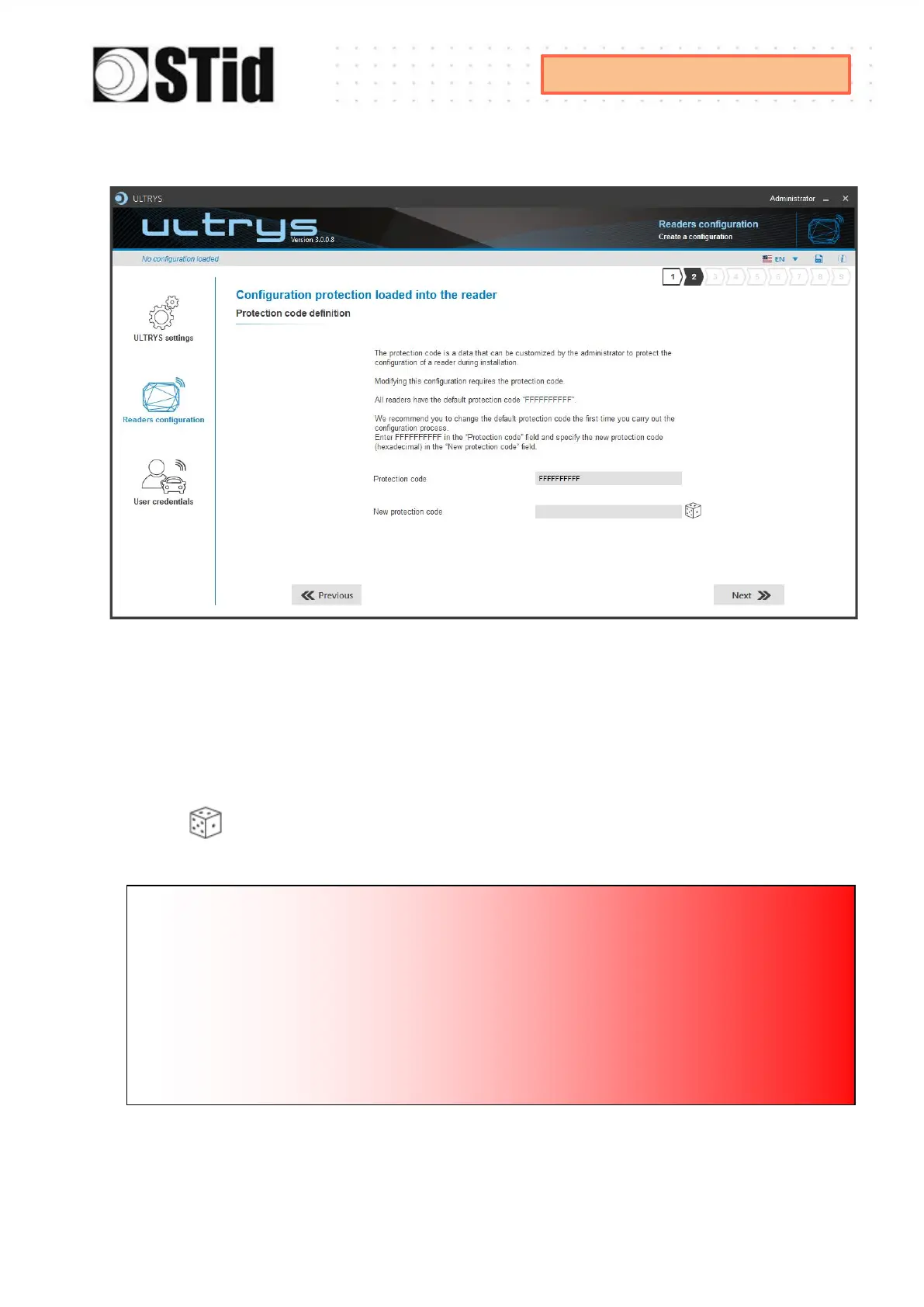
Step 2- Configuration protection loaded into the reader
SPECTRE ATX readers are initially supplied with a default configuration and a protection code to
0xFFFFFFFFFF.
The size of this protection code is 5 bytes (10 hexadecimal characters).
After the initial setup and in order to reconfigure the reader, it will be necessary to present an
UHF OCB card or a configuration file with the same ‘protection code’ as the reader.
Random protection code generator.
Caution
This protection code is important and should definitely be known by the administrator.
It protects the configuration data and allows reader configuration updates.
If you lose this protection code, you won’t be able to reconfigure the reader again and the
reader must be reset at the factory.
To change the protection code, it will be necessary to know the current protection code.



 To Next Page