12.2 Configuration card (SCB/OCB UHF)
1- Connect an UHF encoder
(STR, ARC UHF or GAT
Desk).
2- Configure the
communication settings.
3- Present a compatible
SCB/OCB UHF card to the
encoder.
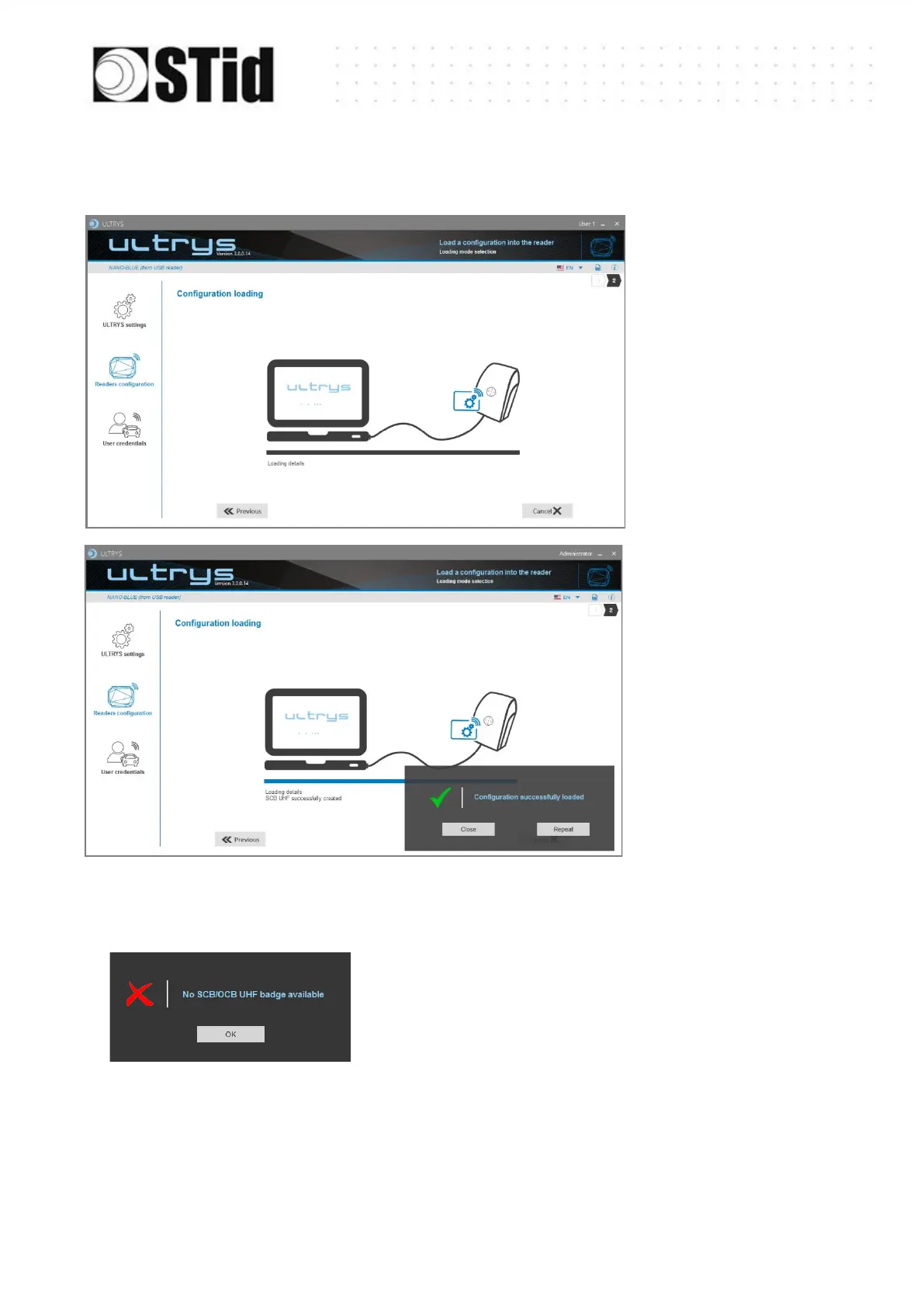
4- Load
5- Close. ULTRYS then
displays the home page.
The tag presented to the encoder is not compatible to create a
SCB/OCB UHF or is not in RF Field.
Note:
The UHF encoder uses a blue light signal to indicate that the writing of the configuration is in
progress. A green light and an audible signal, emitted for 1 second, indicates that the
configuration has been written correctly. A red light and an audible signal, emitted for 1 second,
indicates a writing error.



 To Next Page