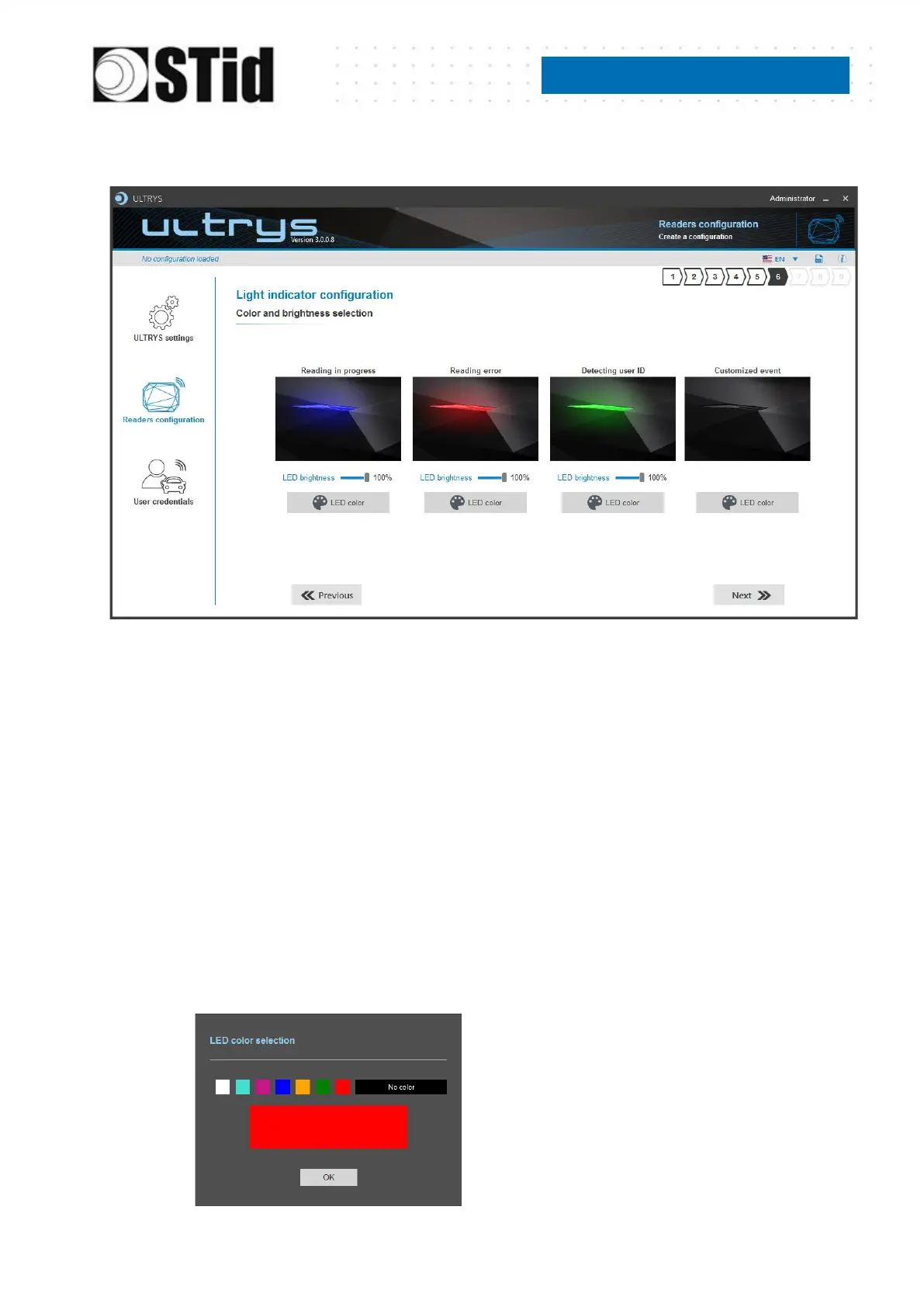
Step 6- Light indicator configuration
Reading in progress:
This LED lights when the RF is on.
After initializing reader sequence, this LED must be lit on the selected color.
Reading error:
This LED lights when the RF is bad, in this case the reader can’t read the tag.
- Check the antenna connection
- Check the antenna cable
Detecting user ID:
This LED lights when a tag is detected by the antenna.
Customized event*:
By default, there is no color.
LED brightness:
The LED brightness can be adjusted by step of 10% (from 10% to 100%)
LED color:



 To Next Page