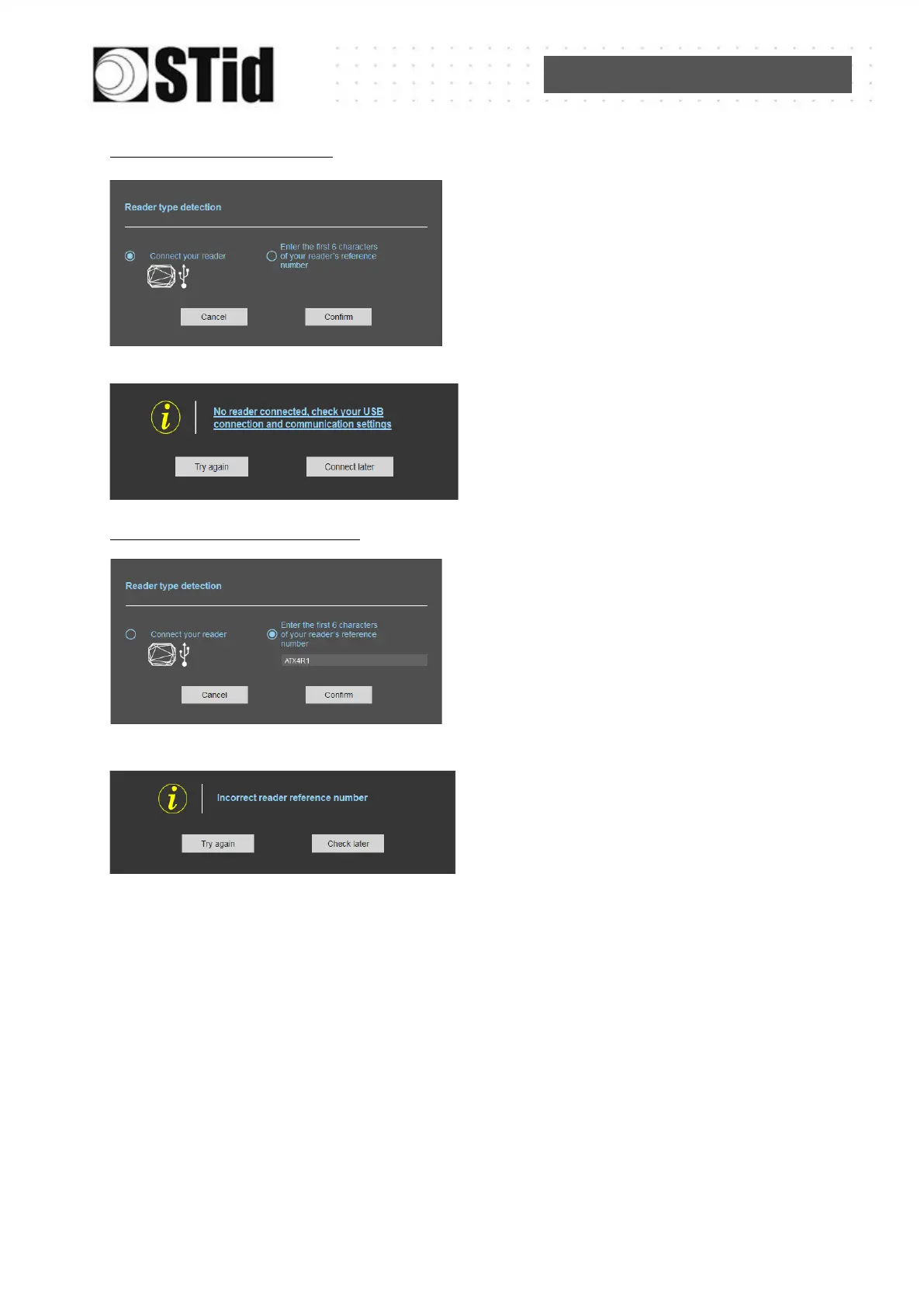
With USB reader connection
1- Connect the reader via USB cable provided.
Configure the communication parameters.
2- Select the Connect your reader.
3- Click on Confirm.
Message : NOK
- Check the USB cable
- Check the communication with reader
With reader’s number reference
Enter the first 6 characters of your reader’s
reference number
Examples: ATX4R41, ATX4R51, ATX4R42
Message: NOK
Check your reader’s reference number



 To Next Page