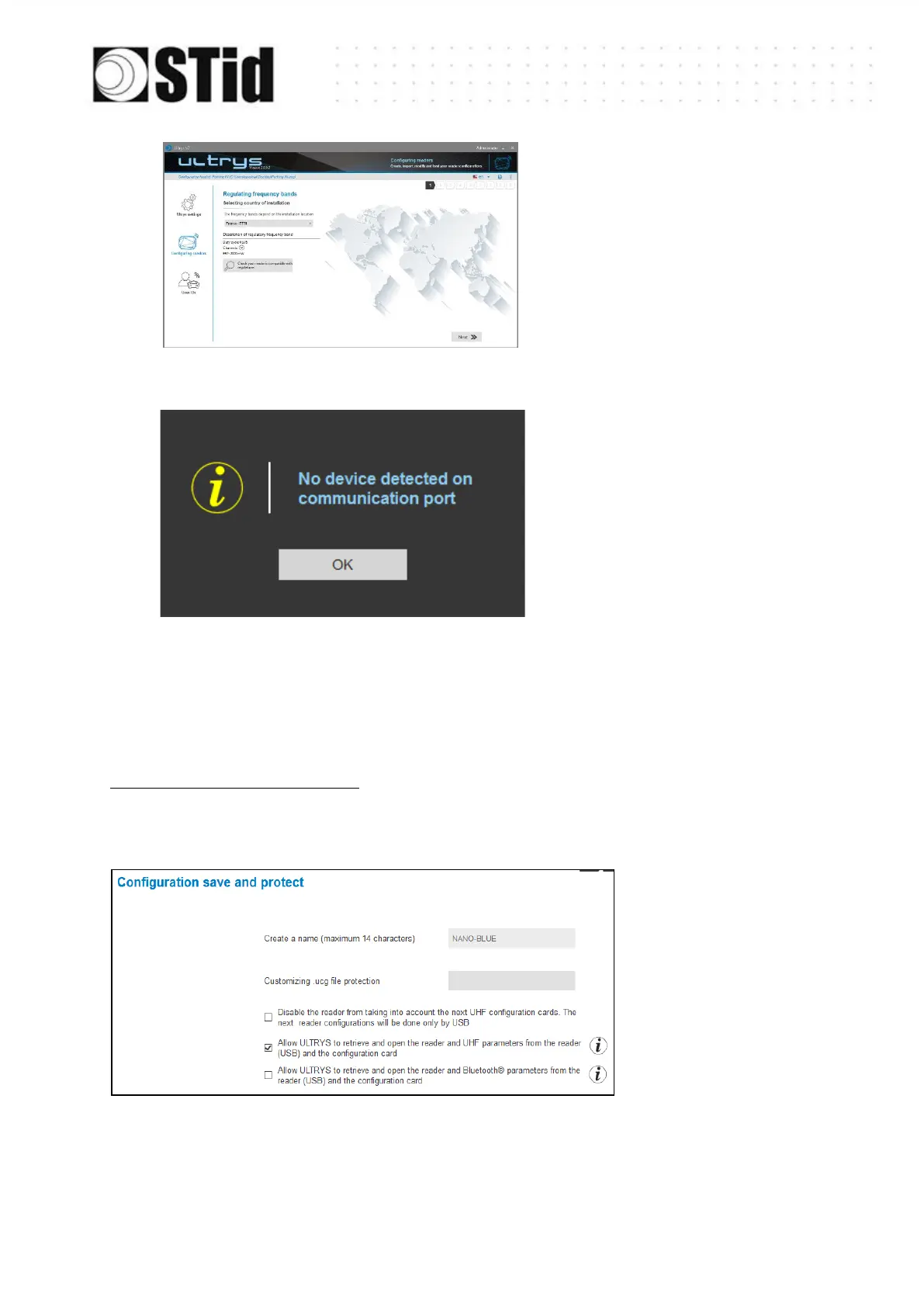
5- ULTRYS then displays the
configuration wizard with all
settings loaded from the reader.
Check connection and COM port
settings.
Note for an SNA configuration:
Depending on the permissions defined when creating the SNA reader configuration in step 9,
the UHF and / or Bluetooth
®
settings will not be loaded



 To Next Page