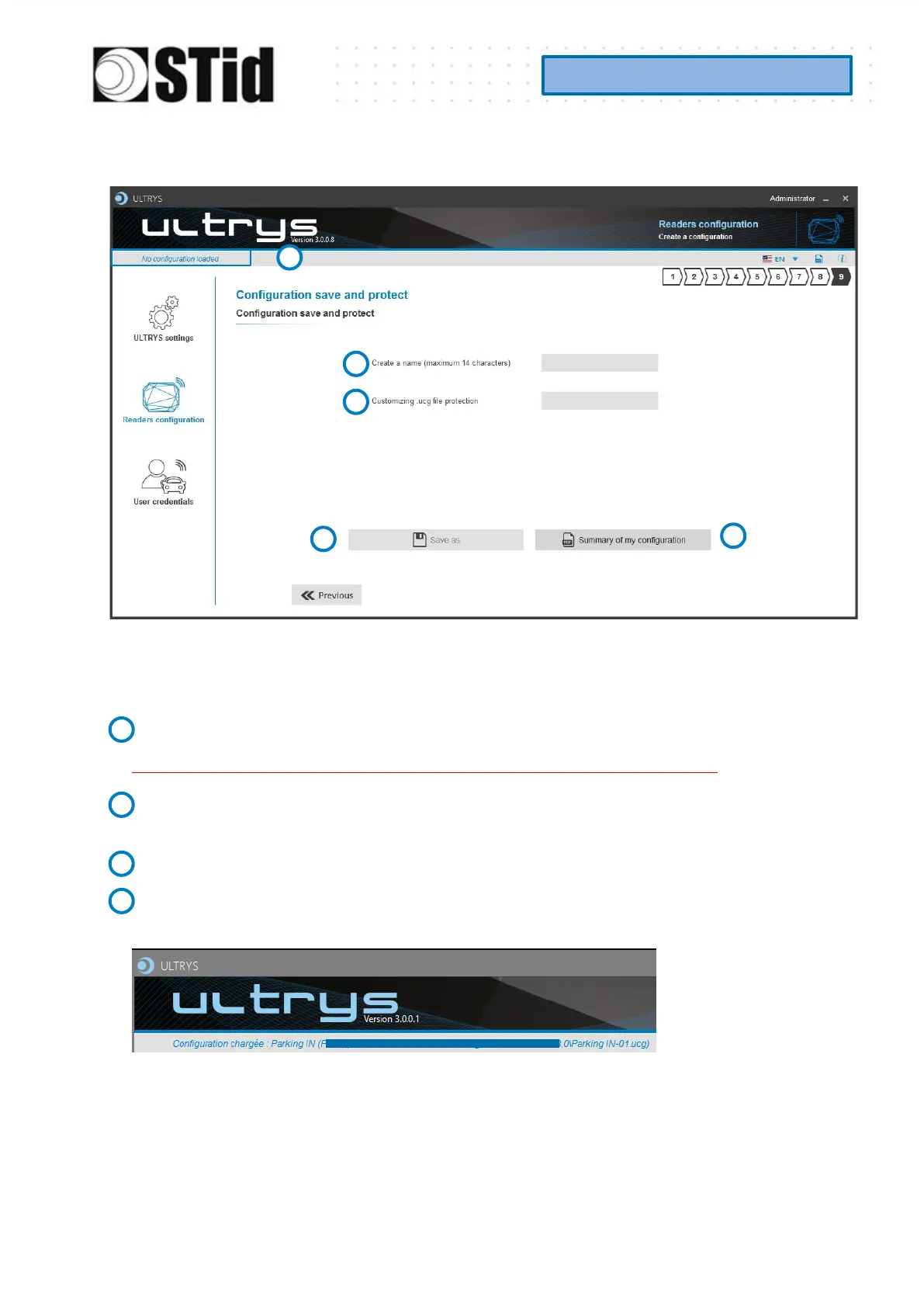
Step 9- Configuration save and protect
This step allows you to save the configuration file containing all the current configuration settings
(keys, formats, reader...). You can select a location and password to protect the file.
Choose a name to easily find the configuration. (example: Parking IN).
Note: the name of the configuration must be contained in the file name.
To protect the configuration file, you can define a password. This password is different from
Administrator password.
Select a directory and a file name to save.
The name and location of ‘Configuration Loaded’ indicates now the chosen name and
location.



 To Next Page