© STid – MU_ULTRYS_V3.0.1_EN
Identification modes and communication ranges
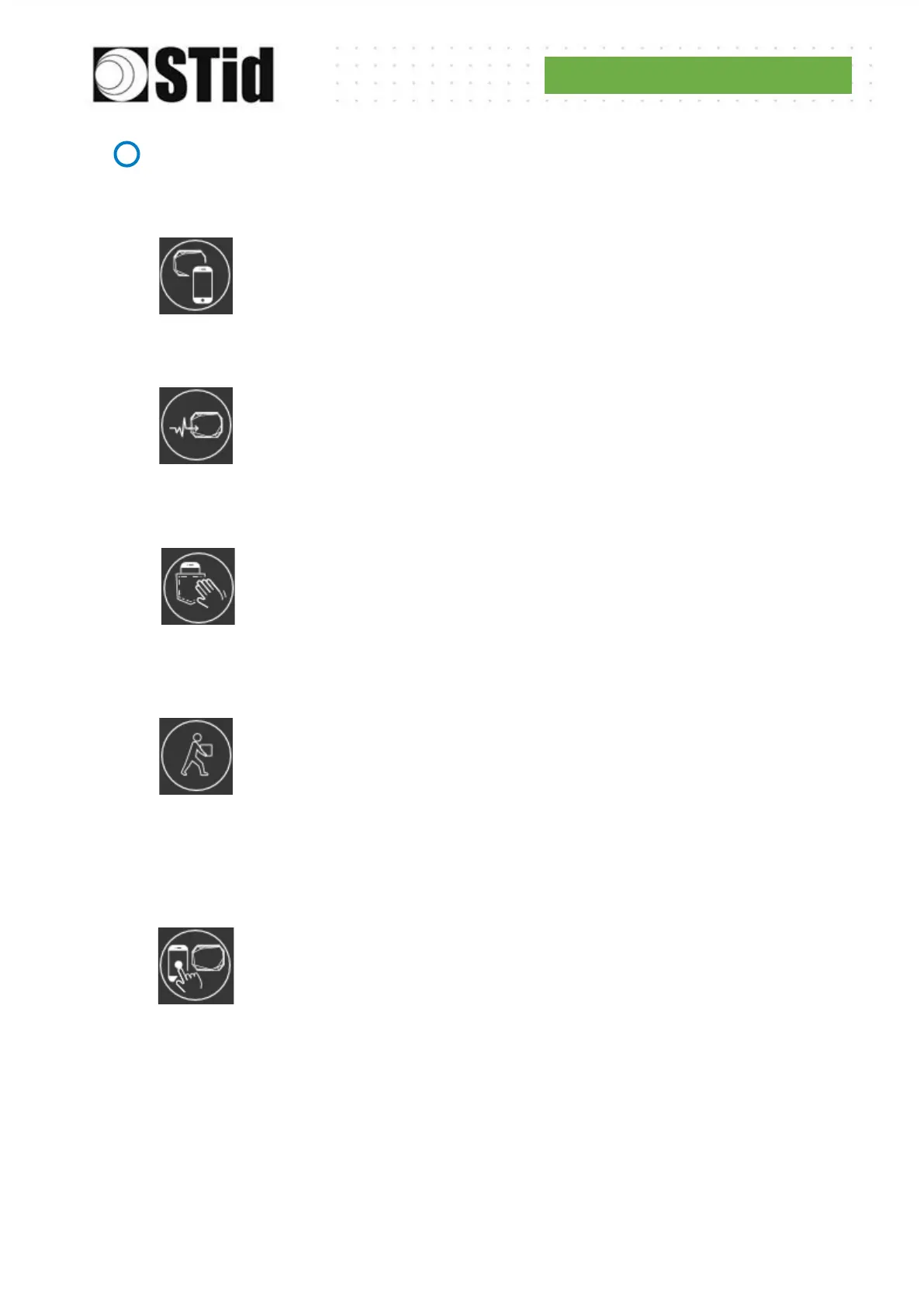
Works by presenting the smartphone in front of the reader (like a badge).
Contact: the smartphone must be in contact with the reader
Up to 0.2m: smartphone must be in an area of 0.2m around the reader
Up to 0.3m: smartphone must be in an area of 0.3m around the reader
Up to 0.5m: smartphone must be in an area of 0.5m around the reader
Bluetooth
®
communication activation by sensor / ground loup
Up to 1m: Smartphone must be in an area of 1m around the reader
Up to 2m: Smartphone must be in an area of 2m around the reader
Up to 3m: Smartphone must be in an area of 3m around the reader
Up to 4m: Smartphone must be in an area of 4m around the reader
Up to 5m: Smartphone must be in an area of 5m around the reader
By tapping your smartphone twice in your pocket.
Up to 3m
Up to 5m
Up to 10m
Up to 15m
Works without any user action.
Up to 3m
Up to 5m
Up to 10m
Works remotely. The phone becomes your remote control. You can display up to
two buttons per virtual badge.
Up to 5m
Up to 10m
Up to 15m
Up to 20m
Remote control button active: If the "Remote" identification mode has been
activated, allows you to associate the current configuration with the Remote 1 or
Remote 2 button.
Possibility to use the fields to name the buttons.



 To Next Page