POSITool over EtherCAT
Operation manual
ID 441896.05
WE KEEP THINGS MOVING
85
12
To be able to allocate destination and source more quickly in large, existing
projects, in the Read configuration/parameters from EtherCAT dialog screen you
can use the following buttons:
• Allocation 1:1 as per resources: The inverters found in the EtherCAT network
are allocated to the entries in the POSITool based on the equipment code in
parameter E120.
• Allocation 1:1 by name of the slave: The inverters found in the EtherCAT
network are allocated to the entries in the POSITool based on the inverter
name in TwinCAT
®
(slave name).
• Read all: All inverters found in the network are read as new inverters; existing
inverters in the project are deleted.
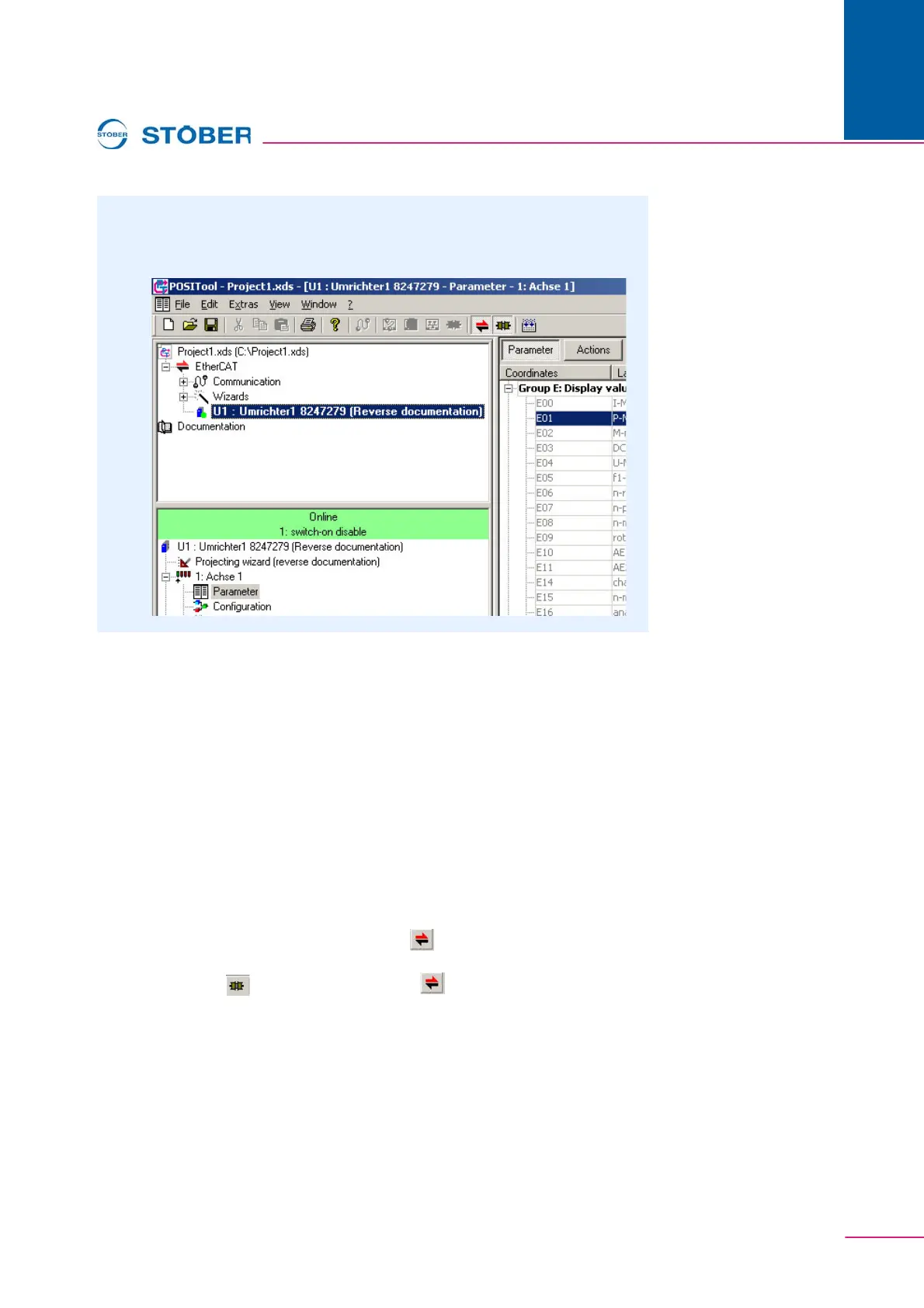
To reverse document an existing project, there must be an EtherCAT entry in the
project. (See 12.4) On the menu bar click the button or in the project view
double-click Establish connection (see Fig. 12-4). To close the connection, on the
menu bar click the button to the right of the button, or in the project view
double-click Disconnect connection.
9. Click the OK button.
The data are read from the EtherCAT network and added to the
EtherCAT group in the project view. You can edit the data as usual.



 To Next Page