12
POSITool over EtherCAT
ID 441896.05
WE KEEP THINGS MOVING
Operation manual
84
4. Click the read from EtherCAT... button.
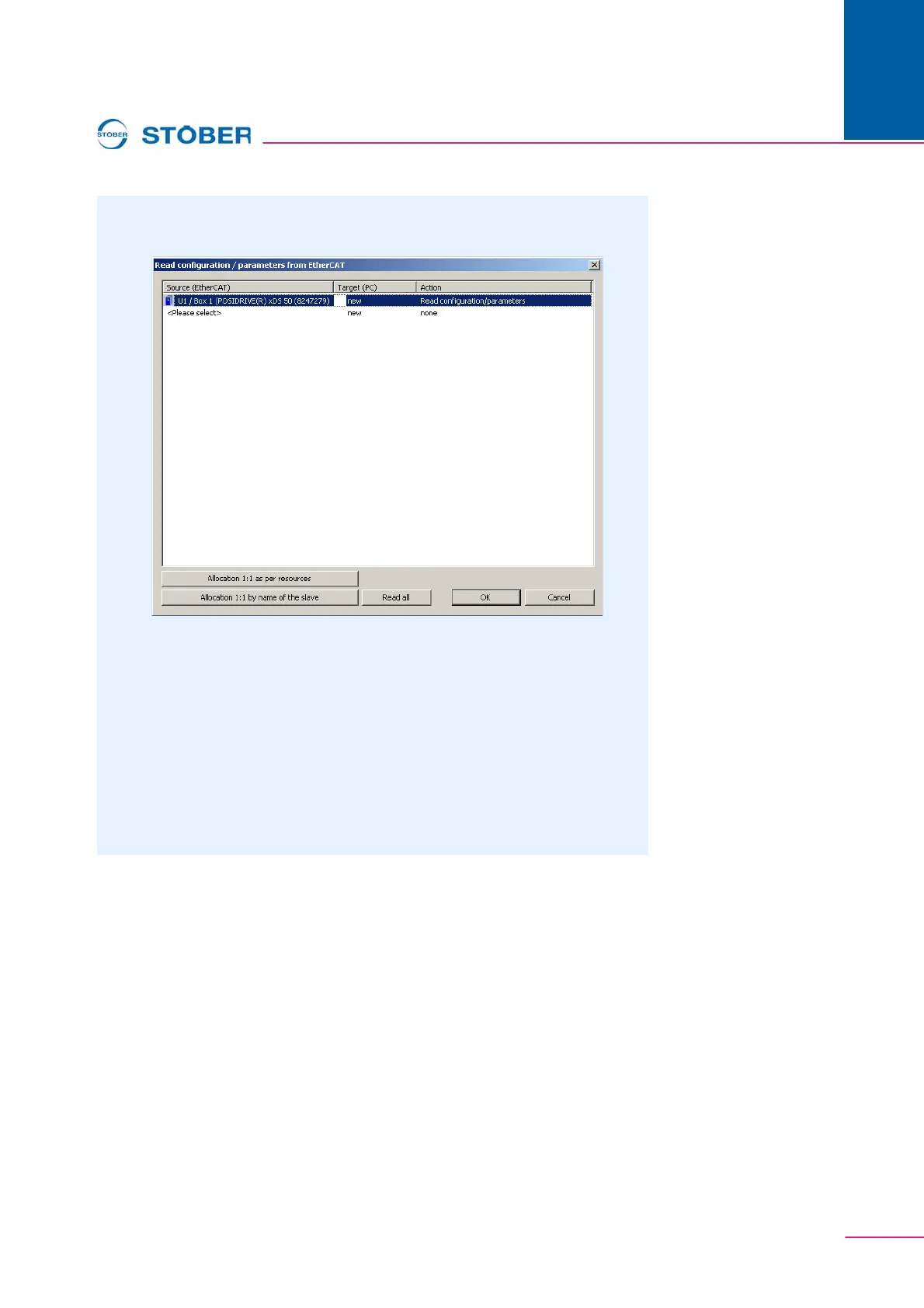
The following dialog screen is displayed:
Fig. 12-3 Read configuration / paramters from EtherCAT
5. Mark the line for the inverter entry in POSITool to which the data are to be
written. You can select an existing inverter entry (U1: Inverter1) or add a new
inverter entry (new), see .
6. In this line double-click the first column Source (EtherCAT) (<Please select>)
see .
A new list is displayed that contains all inverters that are connected to the
PC.
7. Select the inverter from which you want to read data.
8. Repeat steps 7 to 9 for each source from which data is to be read.



 To Next Page