77
Assembly and setting up
7
Checking protective devices
Limit switch drive
only with older
machines (before
August 2013):
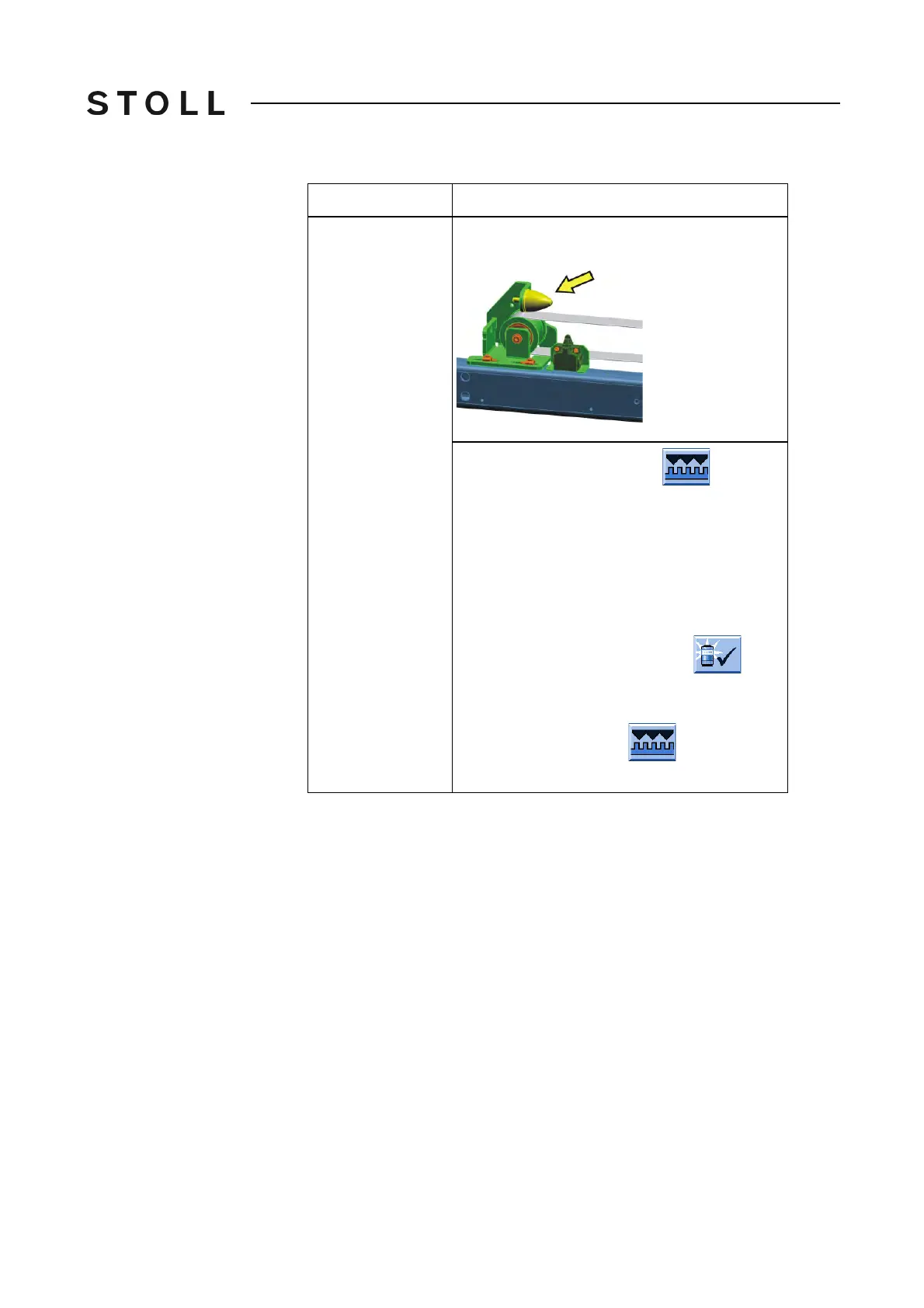
Check if the left and right end stops for the carriage
have the correct position and if they are damaged.
◆ Call up the "Reference runs" window
from the main menu and tap the "S
<" key.
◆ Pull engaging rod to highest position.
The carriage moves towards left.
The carriage must stop sho
rtly before
reaching
the bumper. The limit switch triggers the stop
signal.
◆ Push carriage from limit switch manually.
To confirm the calibration, tap the
key.
◆ Repeat the check on the right-hand side of the
machine, in that call up the window "Reference
runs" in the main menu
and tap the "S>"
key.
Protective device
Checking



 To Next Page