37
Controls in detail
In case manual entries are needed
Step 2- This working day
왘 The VU by default uses the end time of
the last days last entry as the time when
this working day started.
왘 Change the time so that it equals the
driver card insertion time.
왘 Press the or button, followed
by pressing the button to set the
year and month respectively, if neces-
sary.
왘 Press the or button, followed
by pressing the button to set the
day and time respectively.
왘 Enter country at beginning time of this
working day.
왘 Do you need to modify the entries?
(컄 Modify manual entries‚ page 45)
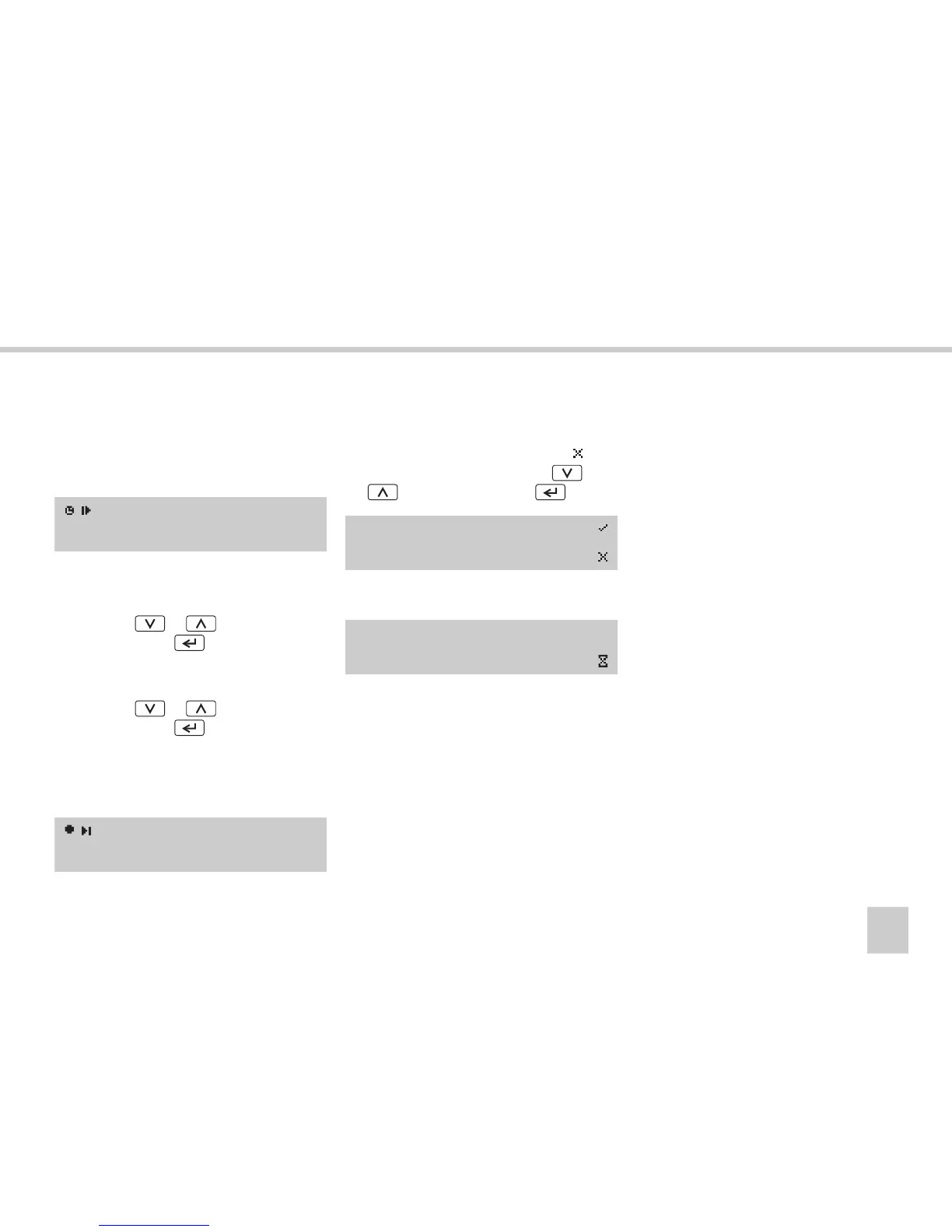
왘 Confirm the entries by selecting
(no
more modification) using the or
button and press the button.
The following message appears:
The VU is now operational and you will see
the standard display.
(컄 VU standard display‚ page 16).
?Begin time?
19:24 08.07.2005
Select country
European Com.
Modify
Entries?
Saving
activities



 To Next Page