38
Controls in detail
In case manual entries are needed
3c. Finished last working day AND
started this working day with no
driver card inserted
This is a new working day with previous ac-
tivities. You have both finished last working
day AND started this working day with no
driver card inserted.
Enter the activities in two steps
The entering procedure is divided into two
steps:
앫 Step 1 - Last working day:
Activities carried out after driver card
withdrawal up to the finish of last work-
ing day.
앫 Step 2 - This working day:
Activities carried out from the beginning
of this working day up to insertion time
of driver card.
Step 1 - Last working day
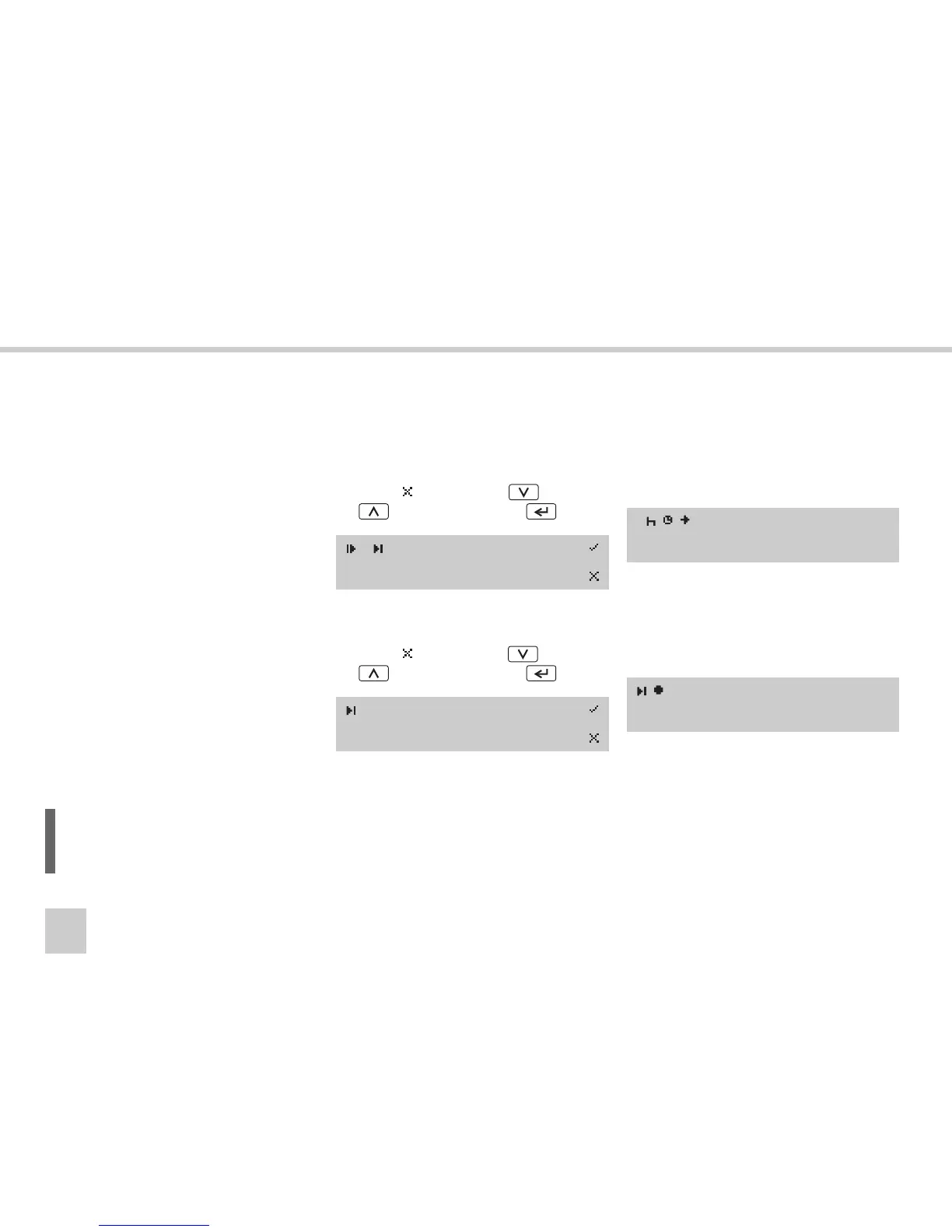
왘 (컄 Initial displays and entries‚ page 24)
왘 Continuing present working day?
Select
(no) using the or
button and press the button.
왘 Last card withdrawal time same as end of
last work?
Select
(no) using
the or
button and press the button.
왘 Enter all activities carried out after last
days driver card withdrawal up to the fin-
ish of last working day.
(컄 Enter activity type and times‚
page 40).
왘 Returning here from
“Enter activities manually”.
왘 Enter country at end time of last work-
ing day.
A new working day is created.
L
It is possible to enter up to a maximum
of 16 activities.
? Cont. day.?
15:23 08.07.2005
?Last work?
15:23 08.07.2005
1 01M
16:15 08.07.2005
Select country
European Com.



 To Next Page