Stonex S10 GNSS Receiver – User Manual 23
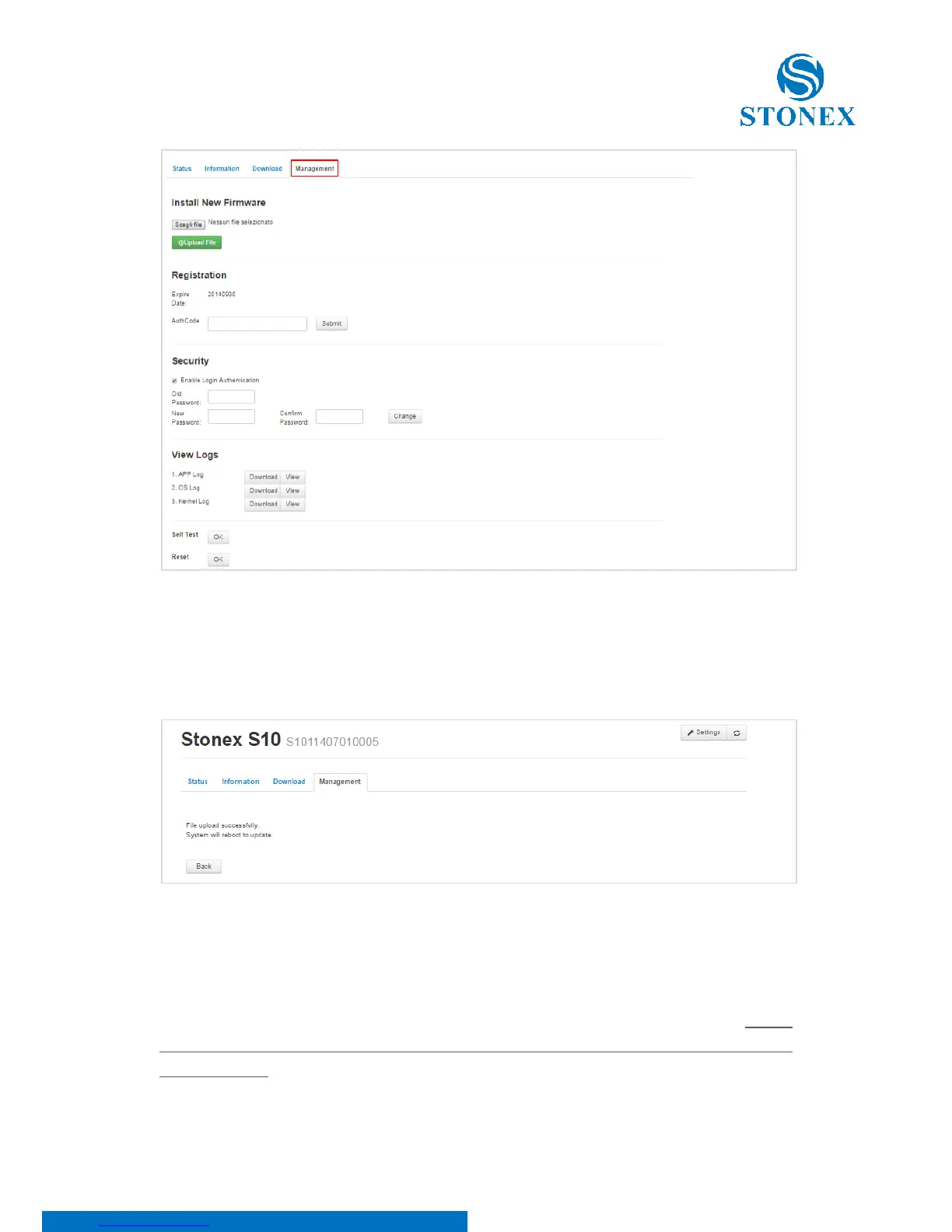
Figure 5.6
Search for the file by clicking on Search file and then click on upload file, after
that you will see the following message:
Figure 5.7
The receiver will reboot automatically without any action of the user. To access
again it is necessary to follow the procedure indicated previously in the first
step. In the registration section, user can update the registration code; If you
noticed that code is going to expire or it is expired, please ask to your local
dealer/agent.



 To Next Page