Stonex S10 GNSS Receiver – User Manual 25
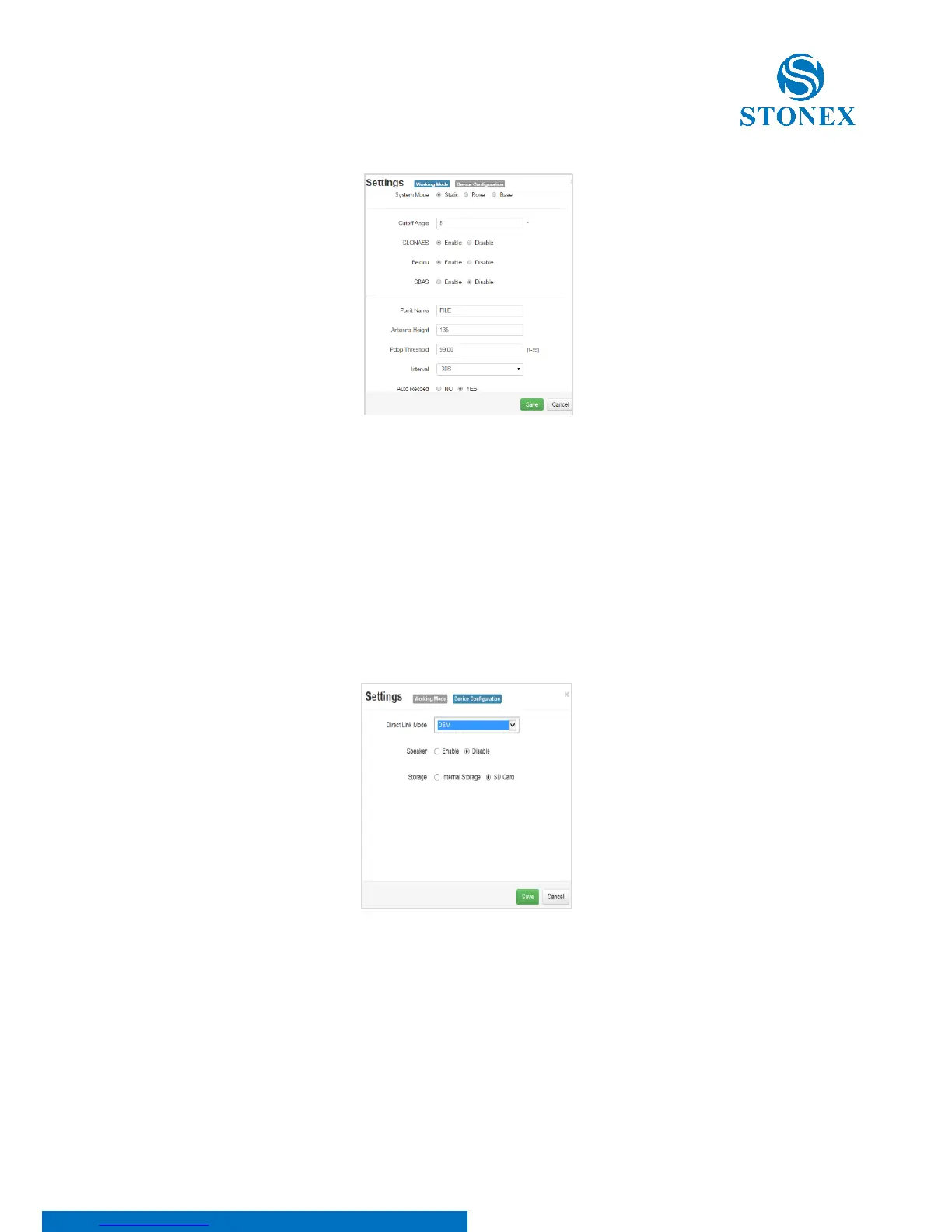
Figure 5.9 - Working mode
From this window, you can change the system modem to Static, Rover or Base.
On Static mode, as Figure 5.9 shows, you can enter all data required to perform
a static survey: cut off angle, enable or disable some constellations, antenna
height, auto record, etc.
Figure 5.10 – Device configuration
From this menu, users can select if enable or disable “speaker”, where to save
data (internal memory or SD card). It is also possible to use advance functions
like OEM connection (only for authorized dealers).



 To Next Page