Stonex S980A GNSS Receiver – User Manual v1.0
10
2. Web Interface
The Stonex S980A receiver has Web UI functionality. By getting access to its
internal hotspot, you can easily manage it on the Web UI. As long as you have
a smart phone, PC or handheld with WIFI functionality, you can easily connect
to the S980A receiver to view status, download data and configure the
receiver.
The Stonex S980A receiver is default to open WIFI automatically when it’s
powered on. Use smart phone/PC/handheld to search the receiver hotspot,
whose name is its serial number, and connect it. Receiver WIFI only supports
getting access to Web UI to check status and set up mode, not for Internet
connection.
The WIFI hotspot name is the serial number of the receiver.
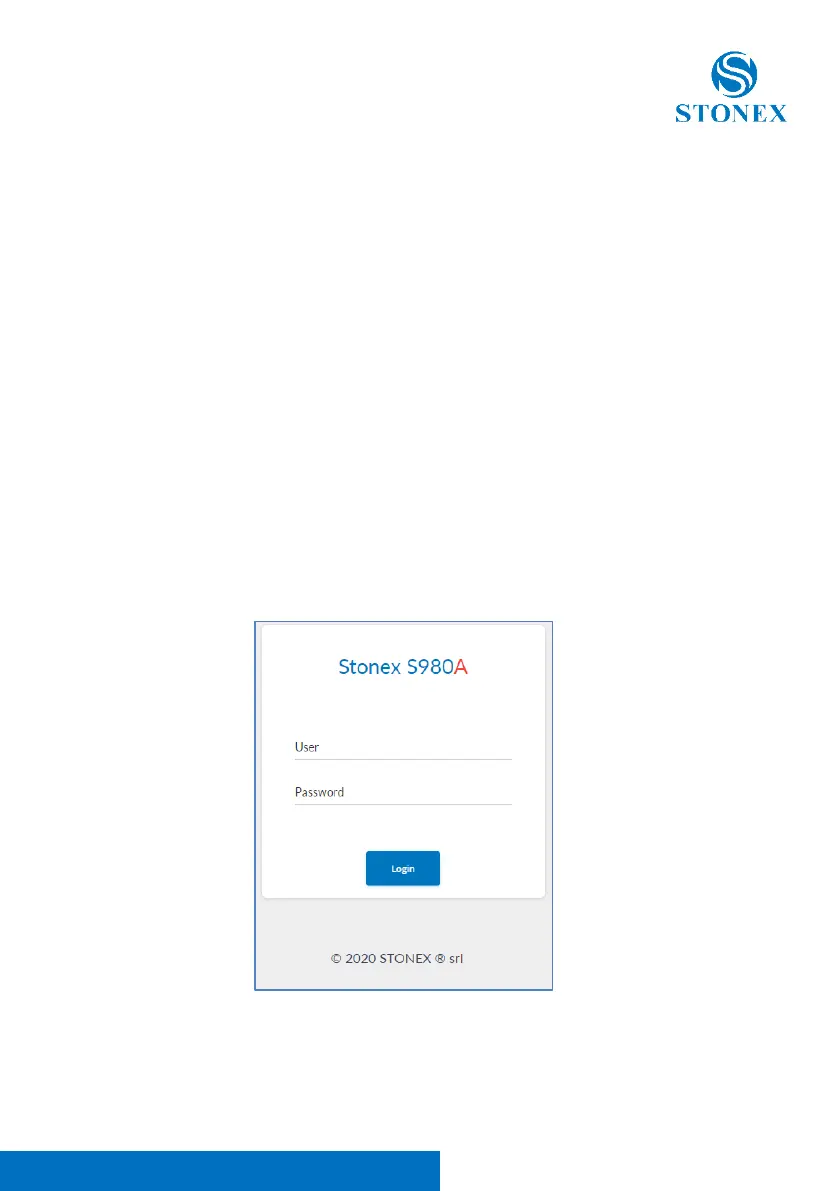
Enter the IP address: 192.168.10.1. in the address bar of any browser. A window
will pop up, fill in with the information requested, “admin” in the field User,
and “password” in the field Password.



 To Next Page