Stonex S980A GNSS Receiver – User Manual v1.0
23
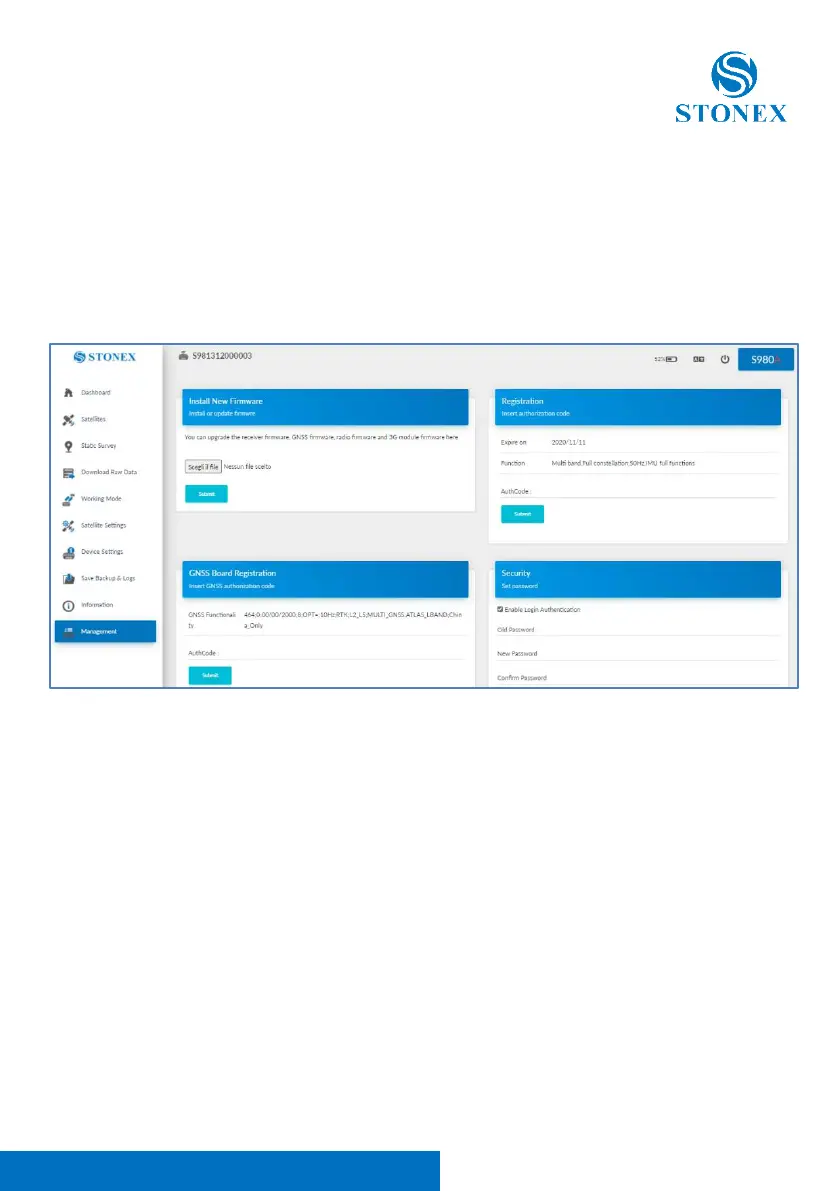
2.10 Management
In this page you can upgrade the firmware, GNSS board and register the
device. Set the password to protect or change the wi-fi connection can be also
done in this page. Self-test, format internal disk and restore the receiver to
factory settings are other useful options.
2.10.1 Install new firmware
In the management page of the WEB UI, you can see “Install New Firmware”
section, click “browse”, select the file to upgrade the firmware, then click
submit, the system will restart to upgrade. After the upgrade, you can view the
current “firmware version” in the “instrument information” page.



 To Next Page