Stonex S980A GNSS Receiver – User Manual v1.0
28
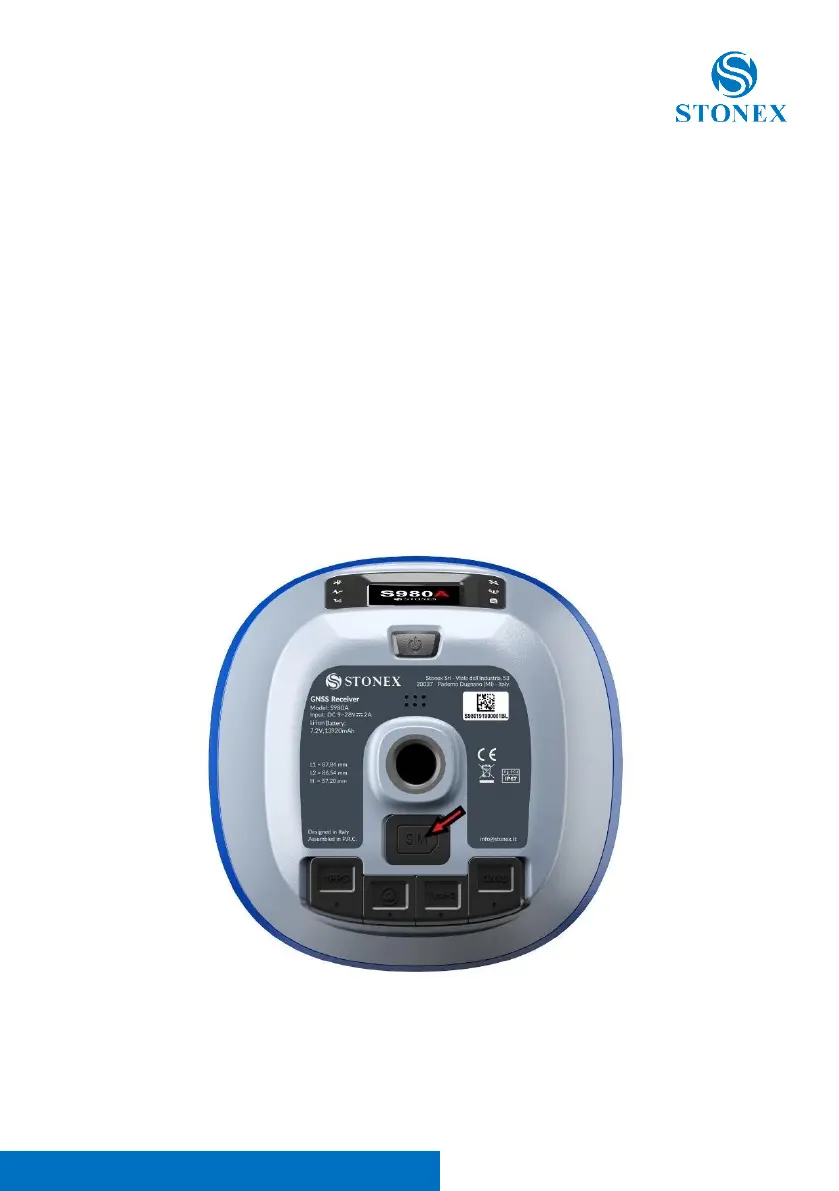
3.5 Insert SIM card
If you need to use the SIM card, you have to insert it before powering on the
S980A.
Procedure to insert the SIM card:
1. Open the slot on the bottom of the receiver
2. Move the SIM card slot to the left to unlock it
3. Insert the SIM card as shown on the cover slot
4. Close the SIM card slot and move it to the right to lock it.
5. Once it is locked, close the cover slot
6. Turn on the receiver



 To Next Page