Stonex S9III Plus GNSS Receiver – User Manual 49
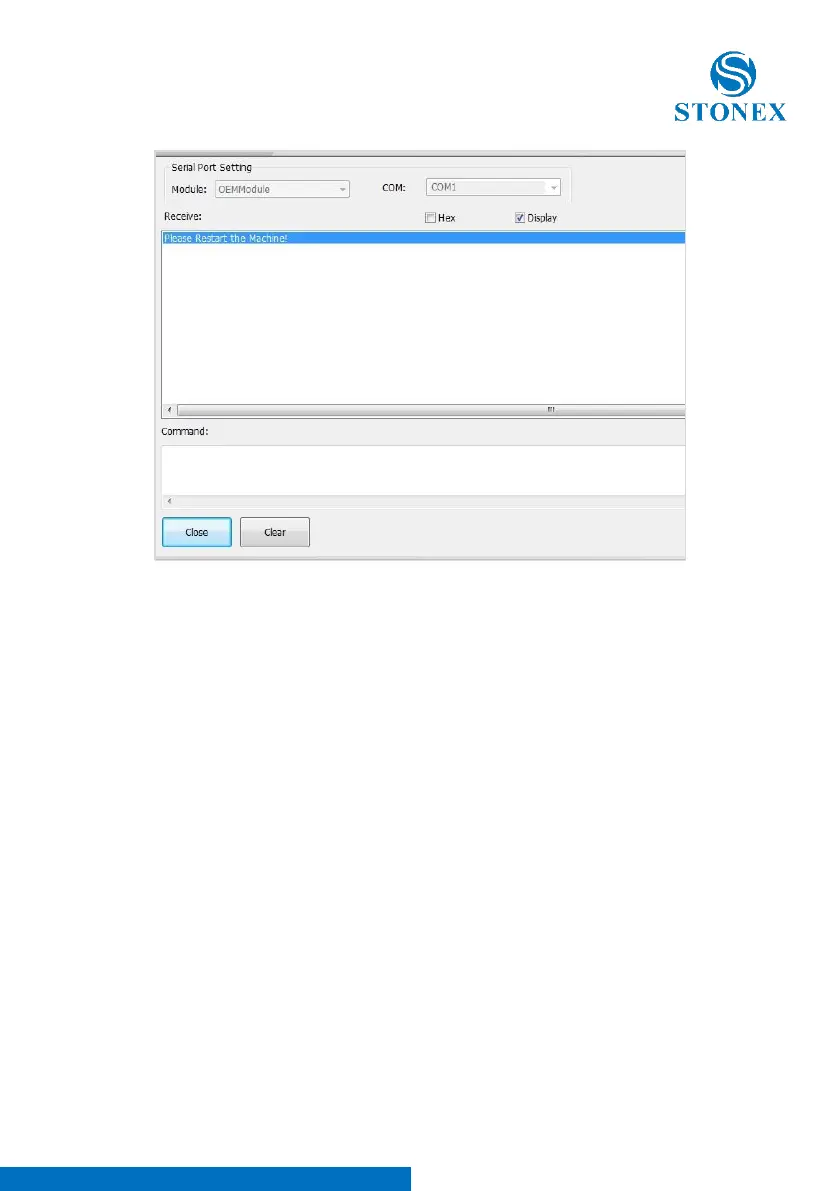
Fig. 5.26 – Serial Port Forwarding window, second step
Then you can switch off the receiver and disconnect USB cable, but keep
connected the serial cable. Once receiver is off you will come back to the main
page of Assistant, click again on “Serial Port forwarding”, then switch on the
receiver, you will see some message on screen as showed in Fig. 5.27:



 To Next Page