Strand 200 Console Manual Page 17
Submaster Mode
Basic Operation
Note: Submasters are faders that contain cues or looks that are played back manually.
Scenes are faders that contain cues or looks that are played back via the playback faders.
Submaster mode allows the operator to record a different look or scene into every fader
times 2 as the console has 2 submaster pages. The current page is identified on the LCD
screen by Scene Pg:#.
To record a submaster, the console must be in either single or two scene mode to bring up
faders. Recorded from either of these modes, then activated after switching to the
submaster mode to play the submasters.
Also, multiple scenes can be recorded into a single submaster.
Note: A combination of scenes and effects cannot be recorded into a single submaster.
The effects will be ignored.
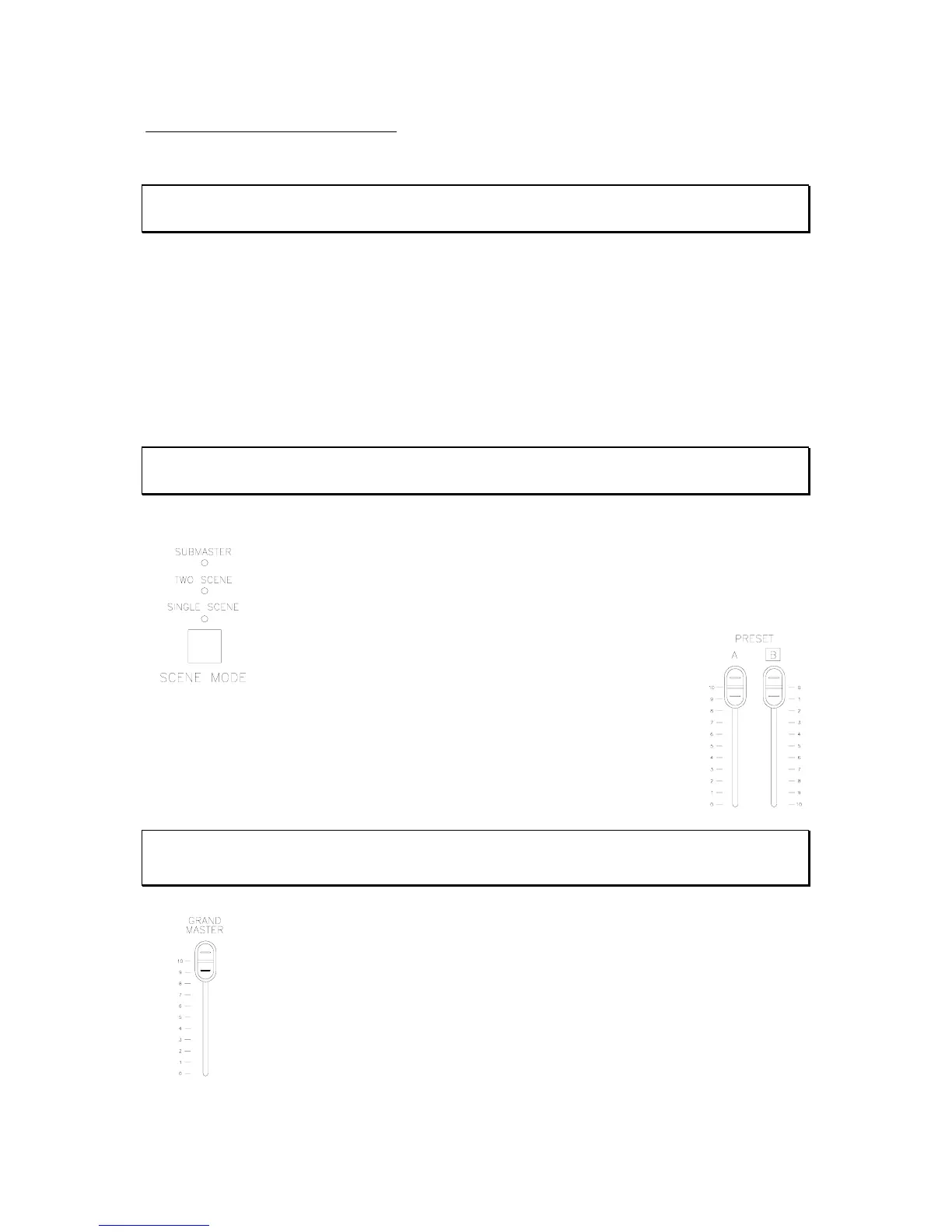
Make sure the console is in single scene mode by identifying the scene
mode LED indicator. The LED below single scene will be lit. If not, toggle
the scene mode button until the proper LED is glowing.
Adjust the preset A master to full (UP) and the preset B master to 0 (UP)
Note: Submasters work in a highest takes precedent mode. So, if either preset master has a level
and faders have levels (indicated by green LEDs) then the console will pile on the submasters levels
to the current fader levels.
Make sure the grand master is at full.



 To Next Page